-
 Sep 17, 2026
AI Security Cameras for Businesses: What You Need to Know
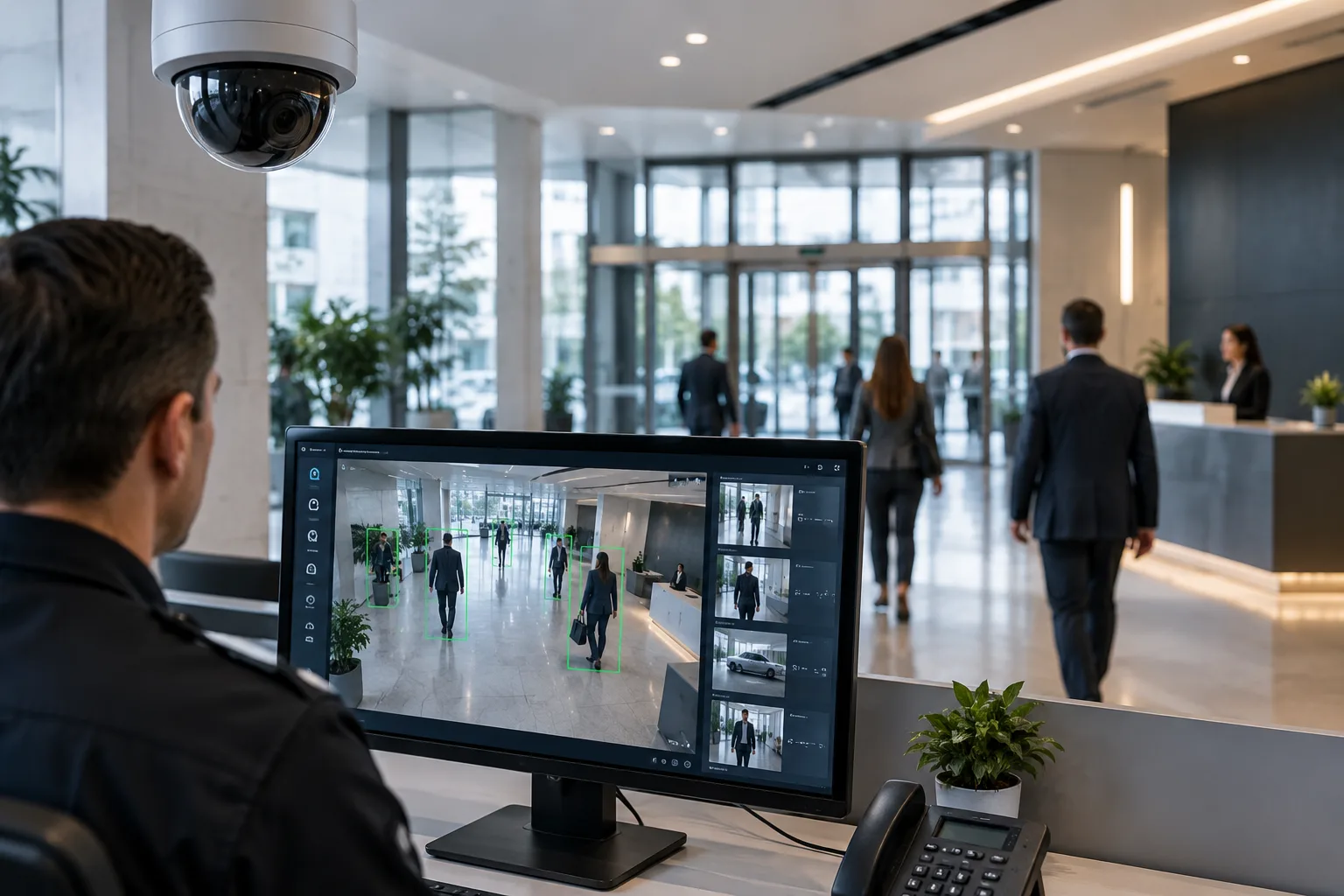
Traditional security cameras can record what happens on your property, but someone usually needs to watch the footage to identify a potential problem. AI security cameras take video surveillance a step further by using artificial intelligence and video analytics to identify specific events, objects, and activities.
For businesses, this can make security monitoring more proactive. Instead of relying entirely on someone watching multiple camera feeds, AI-powered cameras can analyze video and send alerts when activity matches specific rules.
From detecting people and vehicles to identifying unusual activity and helping businesses respond faster, AI cameras are becoming an important part of modern commercial security systems.
But how do they work, and are they right for your business?
How Do AI Security Cameras Work?
An AI security camera combines standard video surveillance with artificial intelligence or advanced video analytics.
The camera captures video while its software analyzes what is happening in the scene. Depending on the camera and analytics platform, the system can distinguish between people, vehicles, animals, and other objects.
Businesses can configure rules for specific areas or events. For example, a company may want an alert when a person enters a restricted area after business hours.
Instead of simply recording hours of footage, the AI system can identify relevant events and make it easier for security personnel to respond.
Some systems perform analytics directly on the camera, while others process video through an NVR, server, or cloud-based platform.
The exact capabilities vary by manufacturer and camera model, so businesses should look at the specific analytics features rather than assuming every AI camera offers the same functionality.
What Can AI Security Cameras Detect?
AI capabilities vary between systems, but modern cameras can provide a range of detection and analytics features.
Depending on the solution, an AI camera may help detect:
- People entering or leaving an area
- Vehicles and vehicle movement
- Unauthorized entry into restricted zones
- Loitering or unusual dwell time
- Line crossing
- Objects entering or leaving designated areas
- Crowding or unusual activity
- After-hours movement
- Certain types of suspicious behavior
Some advanced systems can also provide features such as license plate recognition, people counting, facial recognition, or search tools.
However, these features are not available on every AI camera. Businesses should verify the exact capabilities, accuracy, privacy requirements, and licensing associated with the system before purchasing.
Benefits of AI Security Cameras for Businesses
1. Faster Security Alerts
One of the biggest advantages of AI-powered surveillance is the ability to identify specific events and generate alerts. Instead of reviewing hours of footage after an incident, security personnel can receive notifications when predefined activity occurs.
2. Reduce the Need for Constant Monitoring
Businesses with many cameras may find it difficult for employees to watch every camera continuously. AI analytics can help filter video activity and bring attention to events that meet configured criteria. This does not completely replace human monitoring. Instead, it can help security teams focus their attention where it matters.
3. Improve Perimeter Security
AI cameras can be used to monitor entrances, parking areas, loading docks, fences, and other vulnerable areas. For example, a business could configure an alert when a person enters a restricted area outside normal operating hours.
4. Make Video Searches Easier
Finding a specific event in hours of recorded footage can take considerable time. AI-enabled systems can make searches more efficient by allowing authorized users to search video based on certain characteristics, objects, or events, depending on the platform.
5. Help Deter Security Incidents
Visible cameras can act as part of a business’s overall security strategy. AI-powered monitoring can add another layer by helping identify activity that may require attention. Cameras should still be combined with other security measures rather than treated as the only line of defense.
6. Support Business Operations
AI video analytics can have applications beyond traditional security. Depending on the system, businesses may use analytics for occupancy monitoring, people counting, traffic analysis, parking management, or operational insights. This can make an AI surveillance system useful for both security and facility management.
Which Businesses Can Benefit From AI Cameras?
AI security cameras for business can be useful across many industries, particularly where there are large properties, valuable inventory, restricted areas, or multiple locations to monitor.
Potential applications include:
- Retail stores
- Warehouses
- Manufacturing facilities
- Office buildings
- Construction sites
- Healthcare facilities
- Educational facilities
- Hospitality properties
- Parking facilities
- Distribution centers
- Commercial properties
For example, a warehouse could use AI analytics to monitor loading areas and restricted zones, while a retail business could use video analytics to monitor entrances, exits, and customer areas.
The appropriate features depend on the specific security risks and operational needs of each business.
What Should Businesses Consider Before Buying AI Cameras?
AI features can vary significantly between manufacturers and models, so businesses should consider more than camera resolution.
Camera Coverage
Determine which areas need surveillance and what type of activity the cameras need to capture. Camera placement has a major impact on the usefulness of video analytics.
AI Features
Identify the specific analytics your business actually needs. Not every camera supports the same detection capabilities.
Storage
Consider how much video needs to be retained and whether recordings will be stored locally, in the cloud, or through a combination of both.
Network Infrastructure
AI cameras can generate significant amounts of video data. Businesses should make sure their network infrastructure can support the number of cameras being installed.
Privacy and Compliance
Some advanced analytics may involve sensitive information. Businesses should understand applicable privacy requirements and configure the system appropriately.
Integration
If your business already has access control, alarms, or other security technology, consider whether the new AI camera system can integrate with those systems.
Professional Installation
Proper camera positioning, network configuration, power, recording, analytics settings, and system testing all affect performance. Working with an experienced AI security camera installer can help businesses avoid blind spots and configure the system according to their security requirements.
Conclusion: Are AI Security Cameras Worth Considering?
AI security cameras can provide businesses with more than basic video recording. By analyzing activity and identifying specific events, they can help security teams respond to important situations more efficiently and reduce the time spent searching through recorded footage.
However, AI does not automatically make every security camera system better. The right solution depends on the property, security risks, camera locations, network infrastructure, storage requirements, and analytics features a business actually needs.
For businesses considering an upgrade, a professional assessment is a good starting point.
Professional AI Security Camera Installation in Dallas-Fort Worth
Security In DFW provides commercial video surveillance solutions for businesses throughout Dallas-Fort Worth.
Whether you need a few AI-enabled cameras for a small business or a larger surveillance system for a warehouse, office, retail property, or commercial facility, professional planning can help ensure the cameras provide useful coverage and reliable performance.
If you’re considering AI security camera installation, Security In DFW can evaluate your property and help determine the appropriate camera types, placement, recording solution, and analytics features for your business.
Contact Security In DFW to discuss your security requirements and schedule a professional assessment in the Dallas-Fort Worth area.
Frequently Asked Questions (FAQs)
Our Service Area
- Anna
- Ardmore
- Aubrey
- Bridgeport
- Briar
- Bonham
- Caddo Mills
- Carrollton
- Celina
- Commerce
- Corinth
- Denton
- Keller
- Justin
- Emory
- Farmersville
- Forney
- Fort Worth
- Frisco
- Gainesville
- Granbury
- Lantana
- Lewisville
- Lavon
- Little Elm
- McKinney
- Murphy
- Nevada
- Northlake
- Pilot Point
- Plano
- Princeton
- Quinlan
- Rhome
- Rockwall
- Royse
- Sachse
- Saginaw
- Sanger
- Sherman
- Sulphur Springs
- Sunnyvale
- Terrell
- Van Alstyne
- Prosper
- Wylie
- Weatherford