-
 Oct 14, 2026
How Many Security Cameras Does a Business Need in Dallas?
How many security cameras does a business need? For many small businesses, 4–8 cameras may be a reasonable starting point, while larger offices, warehouses, retail stores, and multi-entrance properties may need 10, 16, or more. The right number depends on your building layout, entry points, valuable assets, blind spots, and the level of detail you need from recorded footage.
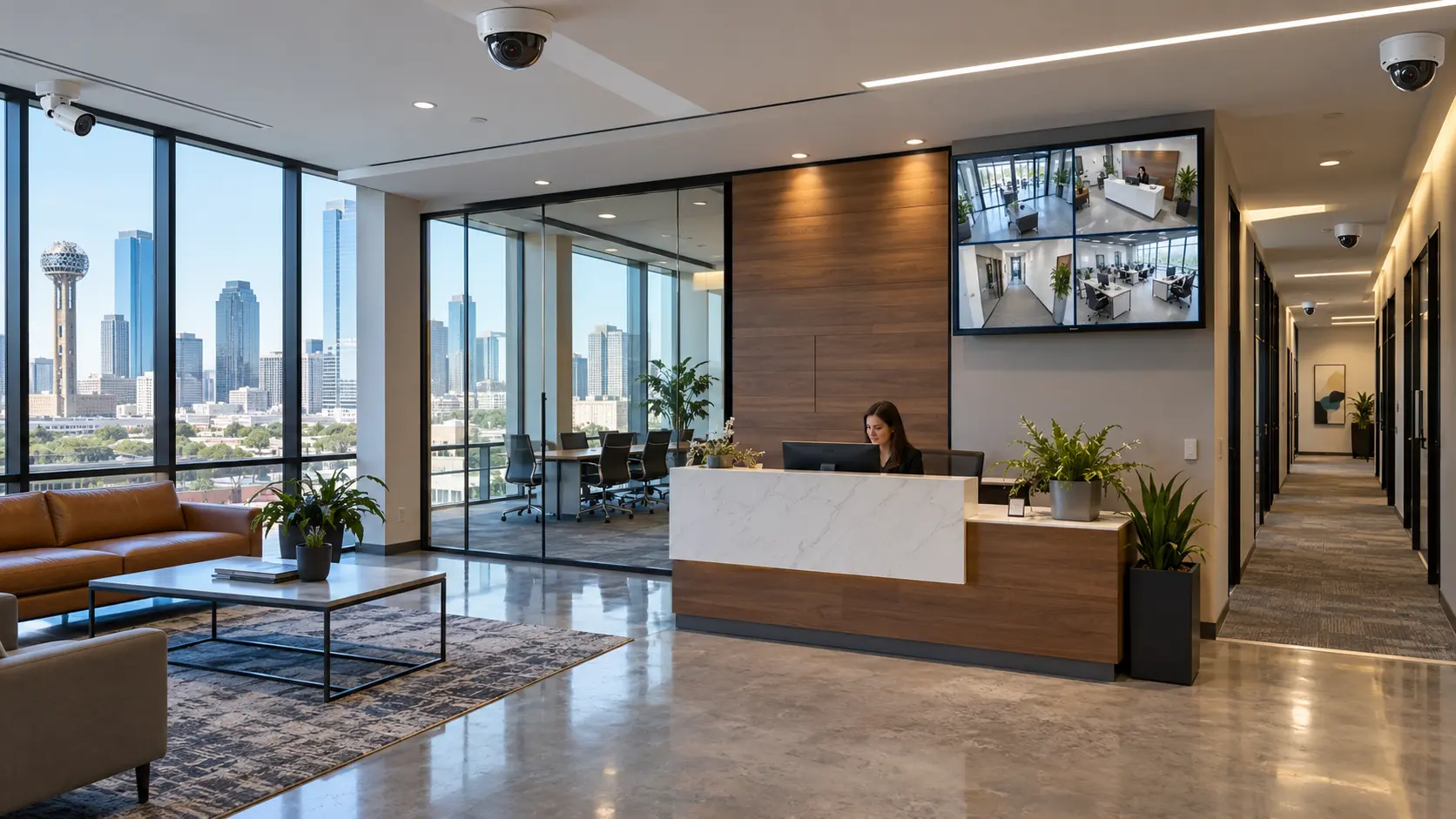
For businesses in Dallas and the wider DFW area, camera planning should start with coverage goals—not simply the size of the property. A well-planned security camera system for business in Dallas can help monitor entrances, reduce blind spots, and provide useful footage when an incident occurs.
How Many Security Cameras Does a Business Need?
There is no fixed camera count for every business. Use the following table as an initial planning guide, not a final installation specification.
|
Business type |
Possible starting range |
Areas to consider |
|
Small office or professional suite |
4–6 cameras |
Main entrance, reception, rear entrance, shared areas |
|
Small retail store |
6–10 cameras |
Entrance, checkout, sales floor, stockroom, delivery area |
|
Restaurant or café |
6–12 cameras |
Customer entrance, cash-handling area, kitchen access, storage, exterior |
|
Medium-sized office or commercial building |
8–16 cameras |
Entrances, corridors, parking areas, reception, restricted rooms |
|
Warehouse or distribution facility |
12–24+ cameras |
Loading docks, inventory areas, perimeter, vehicle access, interior aisles |
|
Large commercial property |
16+ cameras |
Multiple buildings, gates, parking lots, loading zones, critical assets |
These ranges are illustrative. A small building with several entrances may need more cameras than a larger open-plan office. The final number should be based on a site assessment and the coverage each camera can realistically provide.
What Factors Determine the Number of Cameras?
1. Number of entrances and exits
Every regularly used entrance should be considered, including employee doors, customer entrances, emergency exits, loading doors, and rear access points. One camera may not provide enough detail to identify a person approaching a door and capture activity around the surrounding area.
Businesses should also consider where people enter and leave during opening hours, after-hours deliveries, and shift changes.
2. Building layout and blind spots
Walls, shelving, partitions, machinery, and tall storage racks can block a camera’s view. A wide-angle camera might cover a large open area, but it may not capture enough detail at a distant doorway or checkout counter.
Walk through the property and identify corners, corridors, storage rooms, and other locations where activity could go unnoticed. Some areas may need overlapping views to reduce blind spots.
3. Business type and security risks
Different businesses have different monitoring priorities.
- Retail stores: Customer entrances, checkout counters, sales floors, and stockrooms.
- Offices: Reception, employee entrances, server rooms, and restricted areas.
- Restaurants: Cash-handling areas, entrances, storage spaces, and delivery access.
- Warehouses: Loading docks, inventory aisles, perimeter access, and vehicle movement.
- Construction sites: Equipment storage, temporary entrances, material delivery areas, and exposed perimeter sections.
The aim is to cover areas where incidents are most likely to occur or where recorded evidence would be especially valuable.
4. Camera resolution and field of view
The number of cameras also depends on the level of detail required. A high-resolution camera with an appropriate lens may cover a larger area effectively, but resolution alone does not guarantee usable footage.
For example, a camera positioned to monitor a warehouse aisle may provide a broad overview, while a separate camera near a restricted entrance may be needed to capture clearer details of people entering. Placement, lighting, distance, and lens selection all affect image quality.
5. Parking lots and outdoor areas
Businesses with parking lots, gates, yards, or loading zones may need additional cameras. Outdoor coverage should account for vehicle entrances, pedestrian access, lighting conditions, weather exposure, and the distance between the camera and the area being monitored.
A large parking lot may require several strategically positioned cameras rather than one camera attempting to cover the entire space.
How Can a Business Estimate Its Camera Requirements?
Before requesting a quote for commercial security camera installation, follow these steps:
- List every entrance and exit. Include customer, employee, delivery, and after-hours access points.
- Identify critical areas. Mark cash-handling locations, inventory, equipment, restricted rooms, and loading zones.
- Check for blind spots. Consider walls, shelves, vehicles, and other obstructions.
- Define the required level of detail. Decide whether you need a general overview, clear identification at entrances, or both.
- Review lighting and connectivity. Low-light conditions, cable routes, network capacity, and power availability can affect the system design.
- Plan recording and retention. The number of cameras, resolution, frame rate, and desired storage period influence recording capacity and cost.
This process provides a useful starting point, but a professional assessment can identify coverage gaps that are easy to miss from a floor plan alone.
Why Professional Camera Installation Matters
Adding more cameras does not automatically create a better security system. Poor angles, inadequate lighting, incorrect lens selection, and insufficient storage can leave important events difficult to review.
A professional commercial security system installation service can help determine suitable camera locations, select equipment for each area, plan cabling and network capacity, and configure recording and remote access. It can also help ensure the system supports your business’s operational and security needs.
Businesses looking for security camera installation in Dallas, TX, or Fort Worth should compare providers based on their experience with commercial properties, installation planning, system testing, and after-installation support.
Need Security Camera Installation in Dallas or DFW?
Security In DFW helps businesses plan commercial security camera systems based on their property layout, access points, and monitoring priorities. Whether you operate a small office, retail location, warehouse, or larger commercial property, the goal is to create practical coverage rather than simply install as many cameras as possible.
For businesses seeking Security Camera Installations in DFW, a site assessment can help establish the right camera count, placement, and recording requirements for the property.
Contact Security In DFW to request a free on-site assessment and discuss your business’s security camera requirements.
CTA- GET A FREE ASSESSMENT | Call (469) 225-3031
Frequently Asked Questions (FAQs)
Our Service Area
- Anna
- Ardmore
- Aubrey
- Bridgeport
- Briar
- Bonham
- Caddo Mills
- Carrollton
- Celina
- Commerce
- Corinth
- Denton
- Keller
- Justin
- Emory
- Farmersville
- Forney
- Fort Worth
- Frisco
- Gainesville
- Granbury
- Lantana
- Lewisville
- Lavon
- Little Elm
- McKinney
- Murphy
- Nevada
- Northlake
- Pilot Point
- Plano
- Princeton
- Quinlan
- Rhome
- Rockwall
- Royse
- Sachse
- Saginaw
- Sanger
- Sherman
- Sulphur Springs
- Sunnyvale
- Terrell
- Van Alstyne
- Prosper
- Wylie
- Weatherford