
Security Systems & CCTV Camera Installation for Retail in Dallas
A Dallas retail store typically needs a combination of security cameras, access control, burglar alarms, and remote monitoring working together as one system. The right setup depends on your store layout, the number of entrances, how you handle cash, where you keep inventory, and what security risks you’re dealing with. A professional installation ensures cameras cover the right angles, doors are properly secured, and everything records and alerts correctly from day one.
Texas DPS Licensed #B19875 · Serving Dallas-Fort Worth retail businesses since 2010
Retail Security at a Glance
Retail Security Systems for Dallas Businesses
Retail stores face security challenges that most commercial properties don’t. An office building controls who walks in. A warehouse locks down the perimeter. A retail store has to do both — while hundreds of customers move freely through the space every day.
That’s a fundamentally different problem, and it requires a system built specifically for how retail works.
Common security risks in Dallas retail stores:
- ✓Shoplifting — the most visible problem, but far from the only one
- ✓Employee theft — accounts for a large share of retail shrinkage nationwide, often more than external theft
- ✓Cash register and transaction areas — require constant monitoring to catch discrepancies and disputes
- ✓Stockrooms and back-of-house areas — full of merchandise with limited visibility and often no access restrictions
- ✓Loading docks — vulnerable during deliveries when doors are open and staff are busy
- ✓After-hours break-ins — stores with poor exterior camera coverage are easier targets
- ✓Multiple locations — if you run more than one store across Dallas, you need a way to monitor all of them without driving between sites
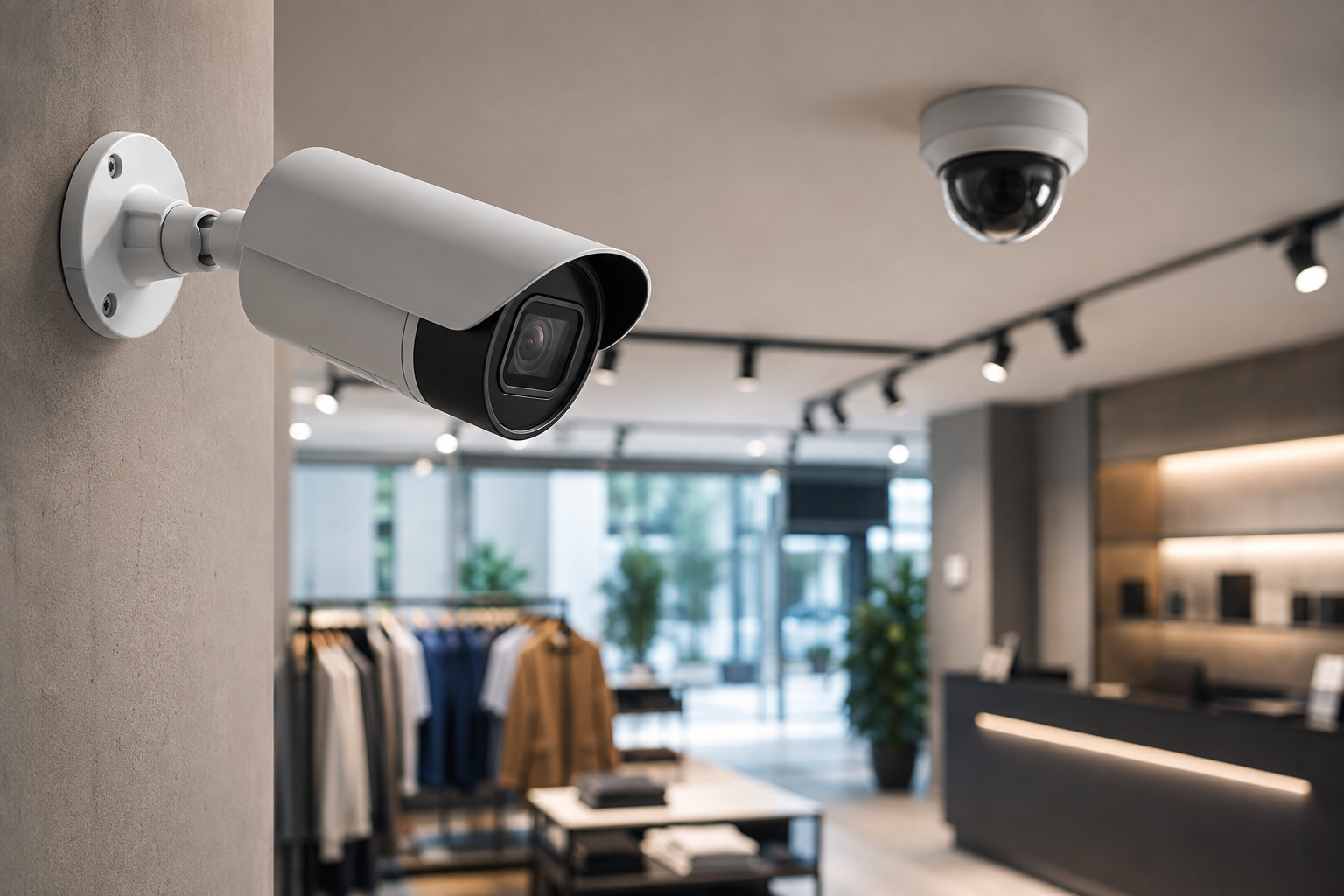
A well-covered sales floor — the goal of every retail camera plan.
What Should a Retail Security System Include?
A complete retail security system isn’t a single product — it’s a combination of technologies, each handling a different layer of protection. Here’s what most Dallas retail stores need and how each component works.
Security Cameras and CCTV Surveillance
Cameras are the foundation. Without them, everything else is harder to investigate, verify, or act on.
Where cameras should cover at minimum:
- ✓Every entrance and exit
- ✓Checkout and register areas
- ✓Stockrooms and restricted storage
- ✓Sales floor aisles and high-value displays
- ✓Parking lot and building perimeter
- ✓Loading dock and receiving areas
The right camera for each spot should be decided during the site assessment – not figured out mid-install.
Access Control
Not every door in your store should be open to everyone. Access control determines who can go where, and when.
Areas that typically need restricted access in retail:
- ✓Stockrooms and inventory storage
- ✓Cash counting rooms and safes
- ✓IT and network closets
- ✓Employee-only entrances
- ✓Manager and back offices
Burglar and Intrusion Detection
Alarm systems protect your store during the hours nobody is there.
Key components of a retail intrusion detection system:
- ✓Door contacts – detect if an entry point is opened when the system is armed
- ✓Motion sensors – pick up movement inside the building after hours
- ✓Glass-break detectors – respond to the specific sound frequency of a smashed window or door panel
What happens when the alarm triggers: depending on the configuration, the system can send you an immediate alert, trigger camera recording at the affected area, activate lights, or notify a monitoring service.
Remote Video Monitoring
If you can’t physically be at the store, remote access gives you the next best thing.
What remote monitoring lets you do:
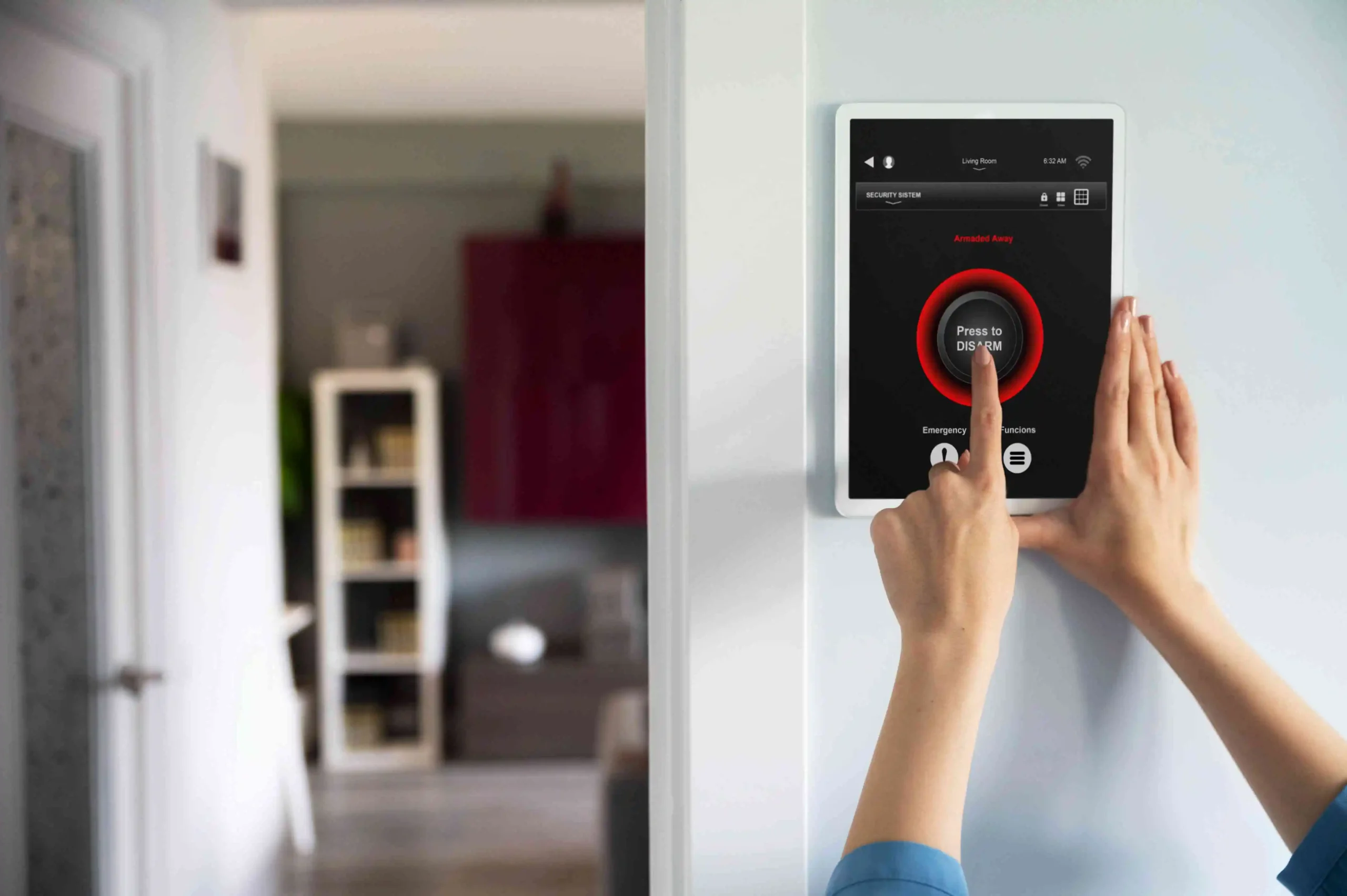
- ✓View live camera feeds from a phone, tablet, or laptop — from home, another location, or while traveling
- ✓Review recorded footage stored on the NVR to investigate incidents after the fact
- ✓Receive push notifications for specific events — motion detected after hours, someone entering a restricted area, or a door left open
- ✓Monitor multiple retail locations across Dallas from a single app instead of driving between stores
For retail owners managing more than one location, remote access isn’t a nice-to-have – it’s how you stay aware of what’s happening across your business without being everywhere at once.
Best Security Cameras for Retail Stores
There is no single camera that works for every retail situation. The right camera depends on what it’s covering, how far away the subject is, whether it’s indoor or outdoor, and what kind of detail you need.
Fixed-Lens Security Cameras
These have a set field of view that doesn’t change. They’re reliable and cost-effective for areas where you know exactly what you need to monitor: entrances, checkout counters, narrow aisles, interior doors. For most retail stores, fixed cameras handle the majority of indoor locations.
Varifocal Cameras
Varifocal cameras let the installer adjust the focal length during setup. This gives you flexibility: a wider angle for a broad area, or a tighter zoom for more detail. They’re useful when you’re not sure exactly what field of view you need until the camera is mounted and aimed.
PTZ Cameras
Pan-tilt-zoom cameras can rotate and zoom remotely. They’re designed for large open spaces where a fixed camera can’t cover everything: big-box retail floors, parking lots, loading areas. PTZ cameras cost more and are typically used at key positions rather than everywhere.
Outdoor Security Cameras
Any camera going outside needs to handle weather, temperature swings, and low-light conditions. Outdoor cameras for Dallas retail stores should be rated for the Texas heat and have infrared or low-light capability for nighttime footage. Parking lots, building perimeters, loading docks, and exterior entrances all need weather-rated cameras.
AI-Enabled Security Cameras
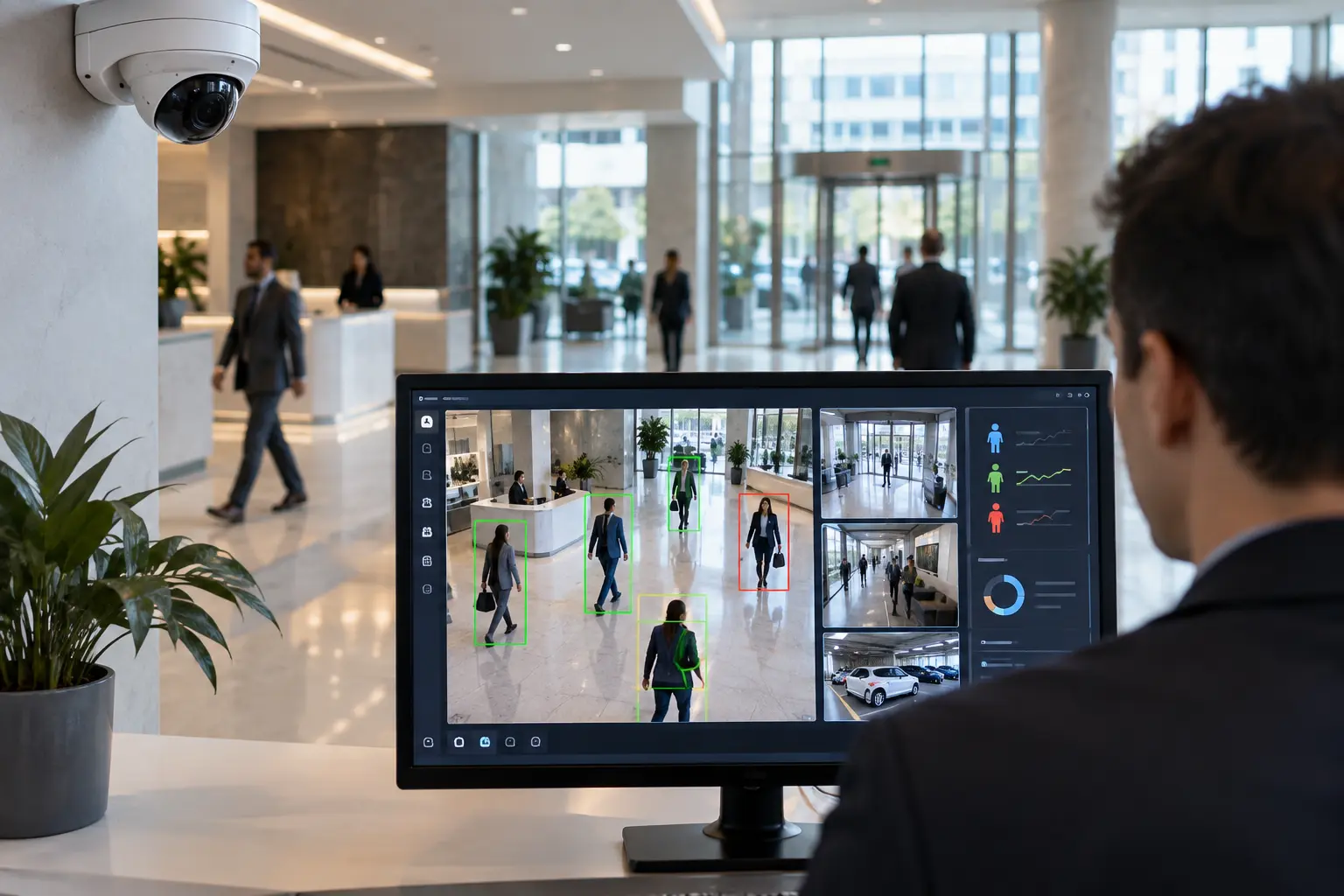
Some commercial cameras now include analytics features like person detection, vehicle detection, line-crossing alerts, and loitering detection. These features can reduce false alerts from things like shadows or animals and help you focus on the events that actually matter.
Brands like Hikvision and Avigilon offer cameras with built-in analytics. Before selecting AI-enabled cameras, make sure the specific features match your actual needs. Not every retail store needs every analytics feature, and the cost difference can add up.
Where Should Security Cameras Be Installed in a Retail Store?
Camera placement is one of the most important decisions in the whole installation. Put cameras in the wrong spots, and you end up with footage that doesn’t show what you need when something goes wrong.
Here’s a breakdown of common retail areas and what each one needs:
| Retail Area | Common Security Concern | Recommended Approach |
|---|---|---|
| Main Entrance | Identifying who enters and exits the store | High-resolution fixed camera at face height, ideally paired with a wide-angle overhead camera |
| Checkout / Register | Cash handling, transaction disputes, employee theft | Fixed camera with clear view of the register, hands, and customer interaction |
| Cash Office | Cash counting, safe access, internal theft | Fixed camera covering the safe and counting area, paired with access control on the door |
| Sales Floor | Shoplifting, customer disputes, slip-and-fall incidents | Multiple fixed or varifocal cameras covering aisles, displays, and high-value merchandise areas |
| High-Value Merchandise | Targeted theft of expensive products | Dedicated camera focused on the display area with enough resolution to capture detail |
| Stockroom | Inventory theft, unauthorized access | Fixed camera at the entrance plus interior coverage, combined with access control on the door |
| Employee Entrance | Unauthorized entry, tracking arrival and departure | Fixed camera paired with keycard or fob access control |
| Emergency Exits | Unauthorized exit with merchandise, propped doors | Fixed camera with door contact sensor that alerts when the door opens |
| Loading Dock | Delivery discrepancies, unauthorized access during receiving | Outdoor-rated camera covering the dock area and delivery vehicle access point |
| Parking Lot | Vehicle theft, break-ins, customer safety, liability incidents | PTZ or varifocal camera with night vision, mounted high for wide coverage |
| Building Perimeter | After-hours break-in attempts, vandalism | Outdoor cameras with infrared, covering all sides of the building |
Camera placement should be planned during the site assessment, not decided on the spot during installation. The goal is full coverage with no blind spots in the areas that matter most.
How Security Cameras Can Help Protect Retail Stores
Cameras don’t make a store theft-proof. Nothing does. But a well-designed camera system makes theft harder, makes investigations easier, and gives you visibility into what’s happening across your entire operation.
Here’s what a commercial camera system can realistically do for a retail store:
- ✓Deter theft. Visible cameras make shoplifters and dishonest employees think twice. A camera pointed at the register or the stockroom door sends a clear message that activity is being recorded.
- ✓Document incidents. When something does happen, recorded footage gives you evidence. You can share video with law enforcement, use it in an insurance claim, or resolve a customer dispute with facts instead of conflicting stories.
- ✓Monitor entrances and exits. Know who is coming and going, and when. Entrance cameras are especially valuable for stores that experience organized retail theft.
- ✓Protect inventory. Cameras covering the stockroom, receiving area, and high-value displays help you track inventory from the moment it arrives to the moment it leaves.
- ✓Monitor cash-handling areas. Register cameras and cash office cameras give you a record of every transaction and cash-handling event. This protects both the business and the employees.
- ✓Support employee safety. Cameras in parking lots, back hallways, and exterior areas help protect employees during opening, closing, and after-dark shifts.
- ✓Review incidents after the fact. Not every incident is caught in real time. With recorded footage stored on the NVR, you can go back and review what happened, even days later.
- ✓Monitor stores remotely. Check in on your store from anywhere using a phone or laptop. See live feeds or review recent footage without driving to the location.
- ✓Support multiple locations. If you run several retail stores in Dallas or across DFW, remote access lets you monitor all of them from one interface.
- ✓Integrate with access control and alarms. When cameras, access control, and intrusion alarms are connected, you get a unified view of every security event. A door alarm triggers, and the camera at that door starts recording. That kind of coordination is what separates a real security system from a collection of standalone devices.
Retail Security Camera Installation Process
A professional installation follows a structured process. Cutting corners during installation leads to blind spots, recording failures, and systems that don’t work when you need them.
Site Assessment
An installer walks your retail space and documents the layout: entrances, exits, checkout areas, stockrooms, offices, parking, loading zones, and any areas with specific security concerns. This is where the installer identifies vulnerabilities and starts building a plan. For Security In DFW projects, this assessment is free and typically happens within the same week you reach out.
Security Planning
Based on the site assessment, the installer maps out where cameras should go, which doors need access control, and whether intrusion detection makes sense for your situation. The plan accounts for lighting conditions, camera angles, cabling routes, and network requirements.
Equipment Selection
Camera type, resolution, lens, storage capacity, and recording schedule are all selected based on what the plan calls for. A small clothing store might need six cameras and a basic NVR. A large retail space with a parking lot might need twenty cameras, a higher-capacity NVR, and outdoor-rated housing. Equipment selection should match the actual requirements, not a one-size-fits-all package.
Cabling and Installation
Cameras, NVRs, access control hardware, and alarm sensors are physically installed. Cabling is run through walls, ceilings, or conduit. Professional installation means clean cable runs, secure mounts, and equipment that doesn’t look like an afterthought bolted to the wall.
System Configuration
Each camera is configured for the right resolution, recording schedule, and motion detection sensitivity. The NVR is set up for storage management. Network settings are configured. User accounts are created so authorized people can access the system. Remote viewing is set up if the system supports it.
Integration
If the project includes access control, burglar alarms, or other security technologies, they’re connected so they work together. A door event can trigger a camera to record. An alarm can send an alert and simultaneously pull up the nearest camera feed.
Testing
Every camera is checked for image quality, recording, and correct coverage. Alarm sensors are triggered to verify they send alerts. Access control readers are tested at each door. The entire system is verified end to end before the installer leaves.
Customer Training
The store owner or manager gets a walkthrough of the system. How to view live feeds, review recorded footage, manage access credentials, respond to alerts, and handle basic troubleshooting. A system that nobody knows how to use is a system that gets ignored.
Ongoing Support and Maintenance
Cameras need occasional cleaning and repositioning. Firmware updates keep the system secure. NVR storage needs to be monitored. Access control credentials need to be updated when employees change. A system that isn’t maintained degrades over time. Security In DFW provides ongoing support after installation to keep systems running properly.
Wired vs. Wireless Security Cameras for Retail Stores
This is one of the most common questions during the planning phase. Both options have trade-offs, and the right choice depends on your building and your needs.
| Factor | Wired Cameras | Wireless Cameras |
|---|---|---|
| Installation | Requires running cable through walls or ceiling. More labor during install. | Faster install, less disruption. Still needs power (unless battery-operated). |
| Reliability | Hardwired connection. Consistent signal, no interference. | Depends on Wi-Fi strength and can be affected by walls, interference, or network congestion. |
| Network Load | Uses dedicated cabling (PoE). Doesn’t compete with business Wi-Fi. | Adds traffic to the wireless network. Can impact other business operations. |
| Scalability | Easy to add cameras by running additional cable. Scales well for larger systems. | Adding cameras increases Wi-Fi demand. May require network upgrades. |
| Large Retail Stores | Preferred. Handles high camera counts without network issues. | Can work, but may need multiple access points or mesh networking. |
| Smaller / Flexible Installs | Works, but cabling may be more effort than the space justifies. | Good option when running cable isn’t practical or the store layout changes frequently. |
| Best Use Case | Permanent retail locations, large camera counts, stores with existing cabling infrastructure. | Temporary or pop-up retail, historic buildings where cabling is difficult, small installations. |
For most permanent Dallas retail stores, wired systems are the more reliable choice, especially when you’re running more than a handful of cameras. Wireless cameras can fill gaps or work well for smaller setups, but they’re not a direct replacement for a wired system in a high-demand environment.
How Much Does Retail Security Camera Installation Cost in Dallas?
There’s no honest way to give a fixed price without seeing the space first. A four-camera setup for a small boutique costs significantly less than a twenty-camera system with access control for a large retail store.
Here are the factors that typically drive the cost:
The best way to get an accurate number is to have an installer walk the space, understand what you need, and give you an itemized quote. Security In DFW offers free on-site assessments for Dallas retail businesses. No obligation, no generic packages pushed on you before anyone has seen your store.
Request a free security assessment: Call (469) 225-3031 or fill out the contact form at securityindfw.com.
Security Camera Brands for Retail Security Systems
The brand of camera matters, but probably not in the way most people think. The difference between a reliable commercial system and a frustrating one usually comes down to build quality, software stability, and long-term support, not which name is on the box.
Security In DFW installs cameras and equipment from several established manufacturers, including Hikvision, Vivotek, Avigilon, and Lorex. The brand recommended for your project depends on the application, the resolution requirements, the analytics features you need, and the budget.
Hikvision
One of the most widely deployed commercial camera brands globally. Product line covers everything from basic fixed cameras to AI-enabled models with person and vehicle detection.
hikvision.com →Vivotek
Specializes in network cameras and video management. A solid option for businesses that need reliable IP camera systems with good software integration.
vivotek.com →Avigilon
Now part of Motorola Solutions. Focuses on advanced video analytics and high-resolution surveillance, commonly used in larger commercial installations.
avigilon.com →Lorex, Eagle Eye & Ubiquiti
Also available depending on project requirements. The equipment recommendation is always based on what fits the job, not on brand partnerships or sales incentives.
Why Choose Security In DFW for Retail Security Installation?
Security In DFW is a Texas-licensed commercial security installer (License #B19875) with over 15 years of experience in the Dallas-Fort Worth area. The company has installed security systems in more than 1,200 businesses across 40+ DFW cities.
Free On-Site Assessment
A technician walks your retail location, documents the layout, identifies security gaps, and builds a plan around your specific building and risks. You get a straightforward, itemized quote with no pressure.
In-House Installation
Installation is handled by in-house technicians who do this full time. Same-week installation is available for most projects.
Training & Ongoing Support
After the install, Security In DFW provides training so your team knows how to use the system, plus ongoing support and maintenance.
One Integrated Platform
The company installs integrated systems that combine security cameras, access control, and burglar alarms into a single platform — one dashboard, one app, one point of contact.
Licensed, and You Can Check
Texas DPS Alarm License #B19875, verifiable with the state before you sign anything.
Questions Worth Asking Any Installer
Are they licensed in Texas? How many commercial installations have they done? Do they do the installation themselves or subcontract it? What happens after the install? Security In DFW has answers you can verify.
Retail Security Systems Across Dallas and DFW
Retail stores across the Dallas-Fort Worth area vary widely, and so do their security requirements. A small retail shop in a Plano strip center has different needs than a large retail location in a Dallas shopping district or a standalone store in Fort Worth.
Variables like store size, building age, number of entrances, parking lot layout, number of employees, inventory type, and existing wiring all affect what kind of system makes sense. Stores with multiple locations across DFW often benefit from standardized systems that can be managed remotely from one central app.
Security In DFW serves retail businesses throughout Dallas, Plano, Frisco, Fort Worth, Carrollton, McKinney, Lewisville, Denton, and more than 40 other cities across the Metroplex.
Call (469) 225-3031Frequently Asked Questions About Retail Security Systems
It depends on the number of cameras, camera type, whether you need indoor and outdoor coverage, the cabling requirements, NVR storage, and whether you’re adding access control or alarm integration. A small retail store with a few cameras will cost significantly less than a large store with a full integrated system. The best way to get an accurate number is to schedule a free site assessment.
There’s no universal number. A small store with one entrance and a simple layout might need four to six cameras. A larger retail space with multiple entrances, a stockroom, parking lot, and loading dock could need fifteen to twenty or more. Camera count is determined during the site assessment based on the areas that need coverage.
At minimum: every entrance and exit, checkout and register areas, stockrooms, and the sales floor. Depending on the store, you may also need cameras covering the cash office, high-value displays, parking lot, loading dock, and building perimeter. The camera placement table earlier on this page covers each area in detail.
It depends on the location within the store. Fixed cameras work well for entrances, registers, and small rooms. Varifocal cameras offer flexibility for areas where the field of view might need adjusting. PTZ cameras are useful for large open spaces and parking lots. Outdoor cameras need to be weather-rated with night vision. Most retail stores use a combination of types.
Yes, most modern commercial camera systems support remote viewing through a smartphone or computer app. You can view live feeds and review recorded footage from anywhere with an internet connection. Specific remote monitoring features depend on the camera system and network configuration.
Yes. When the two systems are integrated, access events at doors can trigger cameras to record or display footage. This means you can see exactly who entered a restricted area and when. Integration is set up during the system configuration phase of the installation.
Absolutely. Most retail security installations happen in existing buildings, not new construction. The installer works with the existing structure, runs cabling through available pathways, and mounts cameras in the right positions. Some situations are easier than others, but an experienced installer can handle drop ceilings, concrete walls, and multi-story buildings.
It varies by project size. A smaller installation with a few cameras can often be completed in a day. Larger projects with access control, alarm integration, and extensive cabling may take several days. Security In DFW offers same-week installation for most projects, and the timeline is discussed during the assessment.
Cameras are one of the most practical tools for deterring and documenting theft. Visible cameras discourage shoplifting and employee theft. Recorded footage supports investigations and can be provided to law enforcement. Cameras won’t eliminate theft entirely, but a well-placed system makes it significantly harder for theft to go undetected.
Yes. A properly installed system is designed to allow expansion. Additional cameras can be added, new doors can be equipped with access control, and the NVR can be upgraded for more storage. Planning for future expansion during the initial installation makes adding components later easier and less expensive.
Get Retail Security System Installation in Dallas
If you own or manage a retail store in Dallas and you’re thinking about security cameras, access control, or a full commercial security system, the first step is getting a professional to look at your space. Security In DFW will walk your retail location, assess the layout and security risks, recommend the right equipment and camera placement, and give you a clear, itemized quote. The on-site assessment is free, and there’s no obligation.