
Security Systems & CCTV Camera Installation for Manufacturing in Dallas
Manufacturing security systems combine CCTV cameras, access control, burglar alarms, video analytics and remote monitoring into one connected platform built for industrial environments.
Standard office security doesn't work for manufacturing. You're dealing with large floor plans, dozens of entry points, loading docks running at odd hours, expensive machinery and inventory spread across warehouses.
An integrated system gives plant managers and security teams real-time visibility and recorded evidence across every area of the facility.
Security in DFW designs and installs manufacturing security systems throughout Dallas-Fort Worth. Request a free on-site security assessment to get a system recommendation based on your facility.
Manufacturing Security at a Glance
Manufacturing Security Systems & CCTV Camera Installation in Dallas
A manufacturing facility is not an office building with a front desk and a few hallways. You might have 50,000 square feet of production space, a warehouse attached to one side, a loading dock that stays busy until 10 PM, three employee entrances and a vehicle gate that contractors drive through every morning. There’s raw material sitting in outdoor storage. Finished product staged for shipment. Equipment on the production floor that costs more than some businesses are worth. That kind of environment needs a security system designed around how a manufacturing operation actually works — not something pulled off a shelf and bolted to a wall. Security in DFW is a commercial security system installer serving manufacturing facilities across Dallas and the surrounding DFW metro. We install:
- ✓CCTV camera systems
- ✓Access control
- ✓Burglar alarms
- ✓Integrated security platforms
We work with plants, factories, warehouses and industrial operations. Every installation starts with a free on-site assessment because cookie-cutter proposals don’t work for facilities this complex.
What Makes Manufacturing Facility Security Different?
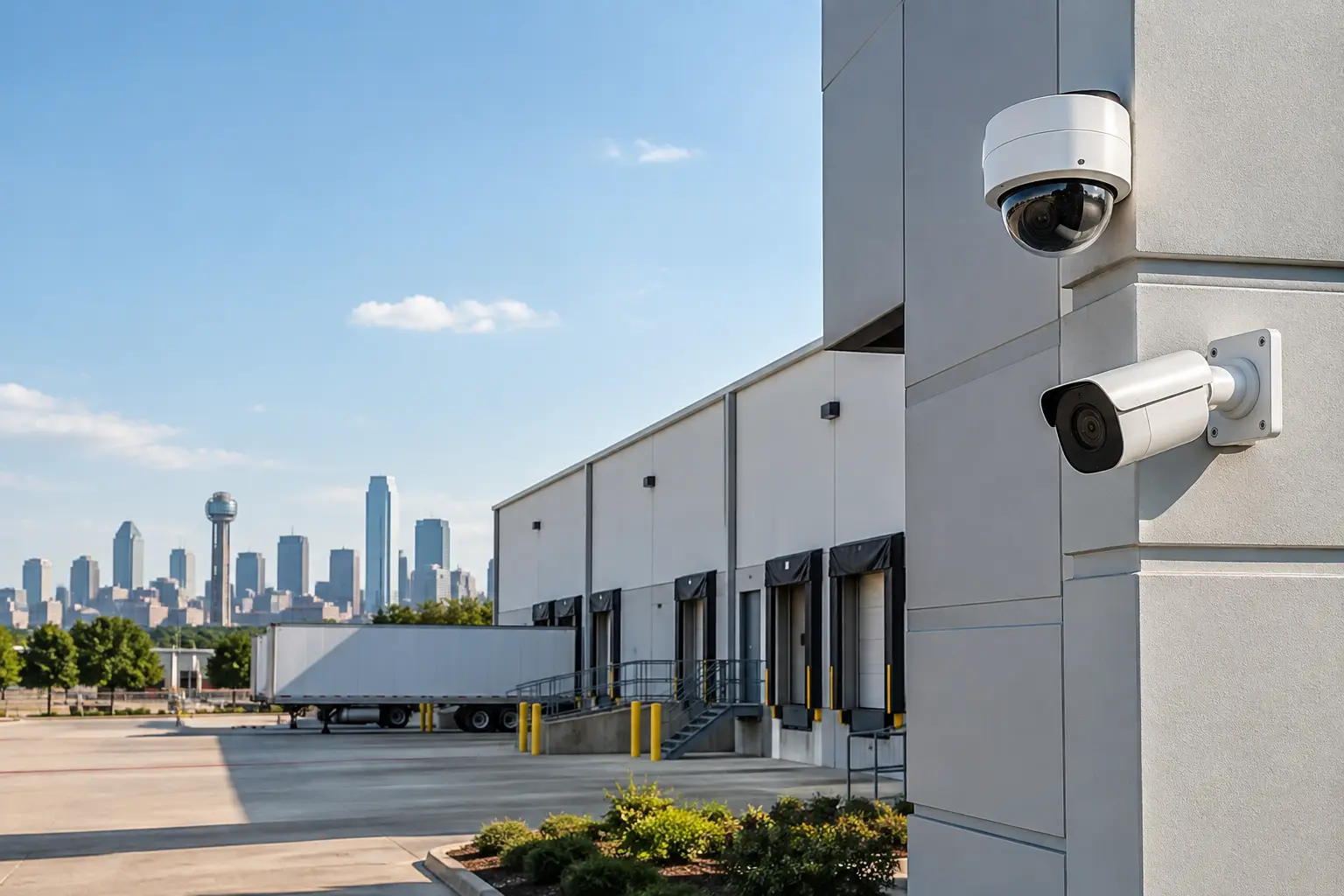
Manufacturing facilities create security problems you won’t find at a typical commercial building. Large facility footprints. A single building might cover 30,000 to 200,000+ square feet. Cameras placed without a plan will leave major blind spots. Multiple access points. Employee entrances, shipping doors, loading docks, vehicle gates, emergency exits — a mid-sized plant might have 15 to 30 openings that need access management. High-value machinery. CNC machines, robotic welding systems, industrial presses. Some of this equipment runs well into six figures. Unauthorized use or tampering can shut down a production line. Raw materials and inventory. Metals, chemicals, electronics components, finished goods — all theft targets. Unlike retail, manufacturing inventory often sits in areas with limited visibility. Loading dock activity. Docks are busy and easy to exploit. Product leaves, trucks come and go, cargo changes hands. Without cameras and access records, it’s hard to verify what happened when something goes missing. Employee, contractor and visitor traffic. Full-time staff, temporary workers, outside contractors — each group needs access to certain areas but not others. Managing who gets in where matters. Restricted production areas. Clean rooms, hazardous material storage, quality control labs, server rooms. A propped-open door in the wrong area can cause compliance issues or put people at risk. Outdoor storage and parking. Raw materials stored outside, employee parking, perimeter fencing — often the most vulnerable areas after hours. After-hours exposure. Shifts end. The building goes quiet. Without remote monitoring, motion-triggered alerts and video verification, the overnight gap is where most break-ins happen. Each of these challenges has a corresponding security solution — cameras, access control, alarms, analytics or some combination.
Common Security Risks for Dallas Manufacturing Facilities
Theft of Equipment and Materials
- ✓Raw materials, tools, components and finished goods are all targets — from outsiders and insiders
- ✓CCTV cameras covering storage, production floors and shipping zones provide recorded evidence
- ✓Access control limits who enters high-value areas
- ✓Alarm systems add after-hours protection
Unauthorized Access
- ✓Without access control, anyone with a badge or hard hat can walk into areas they shouldn’t be in
- ✓That includes expired contractors, terminated employees with keys, visitors who wander past reception
- ✓Credential-based systems record every door entry
- ✓Time-based schedules automatically restrict access outside working hours
Loading Dock and Cargo Theft
- ✓Loading docks are one of the most common loss points for manufacturing facilities
- ✓Camera coverage at every dock door + vehicle monitoring at gates + access logs = clear picture of what came in, what left and who was involved
Perimeter Intrusion
- ✓Fences only work if someone notices when they’re breached
- ✓Outdoor cameras with motion detection and video analytics trigger real-time alerts after hours
- ✓Paired with alarm integration, a passive fence line becomes an active security layer
After-Hours Activity
- ✓Most manufacturing security incidents happen when nobody is on-site
- ✓Remote monitoring lets managers check camera feeds, receive alerts and verify events from a phone
- ✓Video-verified alarms help separate real intrusions from false triggers
Internal Security Incidents
- ✓Workplace incidents, safety violations and policy breaches are easier to investigate with access logs + camera footage
- ✓Clear documentation when an incident occurs — not surveillance for the sake of it
Production and Operational Disruption
- ✓A break-in can damage equipment, delay production, trigger insurance claims and eat up management time
- ✓Better visibility and faster incident response reduce the scope of disruption
- ✓Security systems don’t eliminate risk, but they make problems smaller and easier to handle
Security Systems for Manufacturing Facilities
A manufacturing security system isn’t one product. It’s a set of technologies that work together.
| Security Component | What It Does | Manufacturing Use Case |
|---|---|---|
| CCTV / Security Cameras | Visual monitoring and recorded evidence | Production floor, loading dock, perimeter, parking |
| Access Control | Controls who can enter specific areas | Employee entrances, restricted zones, server rooms |
| Burglar Alarms | Detects unauthorized entry or intrusion | After-hours protection for the entire facility |
| Video Analytics | Identifies specific events automatically | Person/vehicle detection, line crossing, perimeter alerts |
| Intercom / Visitor Management | Screens and manages visitor access | Main entrance, reception, vehicle gates |
| Remote Monitoring | Provides off-site visibility and alerts | Multi-site oversight, after-hours monitoring |
Why integration matters: These components share information. A door access event can trigger a camera to record. A perimeter alarm can pull up the nearest camera feed. An access log and a video clip together tell you more than either one alone.
CCTV Camera Installation for Manufacturing Facilities
Installing security cameras in a manufacturing environment is a different job than wiring up a retail store or an office. The spaces are bigger. The ceilings are higher. Lighting changes area to area. Cameras need to hold up in environments with dust, moisture, vibration or temperature swings. Here’s what goes into a properly planned installation:
- ✓Facility layout and camera placement — Where are the high-risk areas? Where do people and vehicles move? Where are blind spots likely? Placement is driven by the layout, not a catalog number.
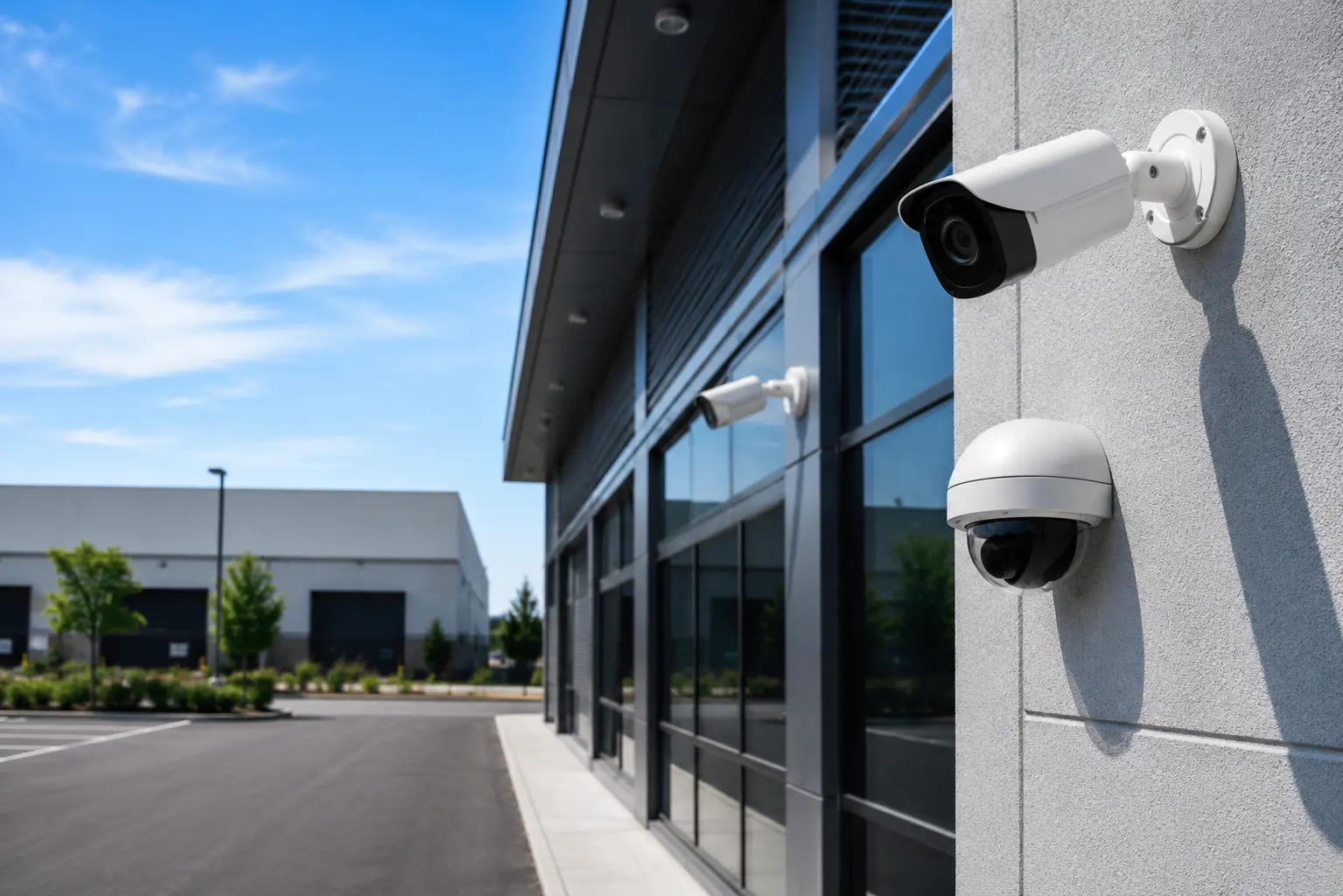
- ✓Indoor vs. outdoor cameras — Outdoor cameras need weather-rated housings (IP66/IP67+). Indoor production floor cameras may need dust/humidity protection. Warehouse cameras deal with low light and long distances.
- ✓Resolution and lens selection — A camera covering a loading dock from 80 feet away needs a different resolution and focal length than one watching a doorway from 15 feet. Get this wrong and you’ll have footage you can’t use for identification.
- ✓Night vision and low-light performance — Parking lots, perimeter areas and dark warehouses need cameras with strong infrared or low-light sensors. Color night vision is available on many current models.
- ✓Wide-area and PTZ coverage — Large open areas like production floors and parking lots benefit from multi-sensor cameras or PTZ (pan-tilt-zoom) units that cover more ground from a single mount.
- ✓IP cameras and network infrastructure — Modern systems run on IP cameras connected to the facility network. The network must handle the bandwidth, and PoE (Power over Ethernet) switches need to be planned into the cabling design.
- ✓NVR and storage — A Network Video Recorder stores footage locally. Capacity depends on camera count, resolution, frame rate and retention period. Most manufacturing facilities keep 30 to 90 days of footage.
- ✓Retention requirements — Some industries or insurance carriers require specific retention periods. Confirm this before sizing the NVR.
If you’re looking for commercial security camera installation in Dallas, we design every system around the specific layout and risks of the facility.
Best Places to Install Security Cameras in a Manufacturing Facility
Camera placement should come from a site assessment, not a generic list. That said, these areas almost always need coverage:
- ✓Main entrances — capture everyone coming in and out
- ✓Employee entrances — track shift changes and after-hours access
- ✓Visitor entrances — verify who’s entering and when
- ✓Production floors — monitor operations, safety and equipment
- ✓Loading docks — cover cargo movement, truck arrivals, dock doors
- ✓Shipping and receiving — document what leaves and arrives
- ✓Warehouses — protect stored inventory and materials
- ✓Inventory/storage rooms — cover high-value or sensitive items
- ✓Parking lots — deter vehicle break-ins, monitor vehicles
- ✓Perimeter and fences — detect after-hours intrusion attempts
- ✓Vehicle gates — record vehicles entering and leaving
- ✓High-value equipment areas — protect expensive machinery
- ✓Restricted-access areas — verify only authorized personnel enter
- ✓Exterior building areas — cover blind spots, dumpster areas, building sides
How many cameras? It depends on size, coverage needs and detail required. A 20,000 sq ft plant with one dock might need 16–24 cameras. A 100,000 sq ft operation with multiple buildings and an outdoor yard could need 60+. The only way to get an accurate count is through an on-site walkthrough.
Access Control for Manufacturing Facilities
Access control does something simple that keys and locks can’t — it tells you who opened which door, and when. For a facility with different employee groups, shift schedules, contractors and restricted areas, that information matters.
Credential types:
- ✓Keycards and fobs (standard)
- ✓RFID credentials (good for employees wearing gloves)
- ✓Mobile credentials (smartphone-based)
- ✓Biometric readers — fingerprint or facial recognition for high-security zones
Door hardware:
- ✓Electric strikes and magnetic locks (maglocks)
- ✓Hardware selection depends on door type, fire code and security level needed
Employee access schedules:
- ✓Production workers: 6 AM–6 PM
- ✓Night maintenance: 10 PM–6 AM
- ✓Office staff: standard hours
- ✓The system enforces schedules automatically — no one has to lock and unlock doors manually
Restricted zones:
- ✓Clean rooms, chemical storage, quality labs, IT rooms, executive offices
- ✓Locked to specific credential holders
- ✓Unauthorized attempts are logged and can trigger alerts
Visitor and contractor management:
- ✓Temporary credentials issued for specific dates or doors
- ✓Credentials expire automatically when the job is done
- ✓No chasing down keys
Access logs:
- ✓Every entry and denied-entry attempt is logged with timestamp, door location and credential ID
- ✓During investigations, this data is usually the first thing you pull
If your facility needs commercial access control installation in Dallas, we design the system around your layout, employee structure and security requirements.
Integrating CCTV With Access Control
Cameras and access control work well on their own. They work better connected. How integration works: Door event → Access record → Camera footage → Investigation Example: An employee badges into a restricted materials storage room at 11:45 PM on a Saturday.
- ✓The access control system records: who, which door, what time
- ✓The security manager pulls up the linked camera feed from that door
- ✓They see exactly what happened before and after the badge-in
- ✓Was the employee alone? Did they remove anything? How long were they inside?
Without integration, you’d manually cross-reference timestamps between two separate systems and hope the clocks are synced. Integrated systems handle that automatically. This kind of linked data makes investigations faster and gives facility managers visibility into how access is actually being used — not just who has it.
Burglar Alarm Systems for Manufacturing Facilities
Alarms are the after-hours safety net. When the last employee leaves and the building goes dark, the alarm system picks up where everything else leaves off. A manufacturing alarm system typically includes:
- ✓Door and window sensors — detect when entry points open while armed (front doors, dock doors, roll-up gates, emergency exits)
- ✓Motion detection — covers hallways, offices, production areas. Zones can be configured so overnight activity in areas like server rooms doesn’t trigger false alarms
- ✓Glass-break detection — acoustic sensors for office areas and ground-floor windows where applicable
- ✓Perimeter detection — outdoor motion sensors or beam-break detectors along fence lines trigger alerts before someone reaches the building
- ✓Alarm notifications — alerts go to facility managers, security teams or a monitoring station via phone call, text or app notification
- ✓Camera integration — when an alarm triggers, the system pulls up the nearest camera feed for video verification, helping determine if it’s real or a false trigger
Alarm systems don’t guarantee a break-in won’t happen. They detect it quickly, notify the right people and create a record of the event.
Smart Video Surveillance for Manufacturing
Modern cameras do more than record. Built-in analytics identify specific events and send alerts without anyone watching a screen. Relevant capabilities for manufacturing:
- ✓Person detection — distinguishes people from animals, shadows, tree branches. Reduces false alerts on perimeter cameras
- ✓Vehicle detection — identifies vehicles in parking lots, at gates and in loading zones
- ✓Line crossing — triggers alerts when someone crosses a virtual boundary (fence line, restricted area boundary)
- ✓Intrusion detection zones — defines areas on the camera view. Motion in that zone during armed hours sends an alert
- ✓License plate recognition (LPR) — logs plate numbers at gates and dock entrances. Useful for facilities with regular truck traffic
- ✓Remote alerts — notifications go straight to a manager’s phone when a defined event occurs
- ✓Searchable video — search by event type, time, camera or zone instead of scrubbing through hours of footage
- ✓Event-based recording — record continuously, on motion only or on specific analytic triggers to manage storage efficiently
These tools help security teams focus attention where it matters. They don’t catch everything, and they aren’t a substitute for good physical security. But they make a camera system significantly more useful than basic record-and-review.
What Types of Security Cameras Work Best for Manufacturing?
No single camera fits every manufacturing application. The right choice depends on the area, distance, lighting and detail needed.
| Camera Type | Best For | Notes |
|---|---|---|
| Fixed bullet | Hallways, fence lines, dock approaches | Visible profile doubles as a deterrent |
| Dome | Indoor areas, tamper-prone zones | Vandal-resistant models available. Hard to tell which way it’s pointing |
| Turret | Production floors, indoor hallways | No dome housing = no IR glare issues |
| PTZ (pan-tilt-zoom) | Parking lots, yards, large open floors | Manual control or automated patrol patterns. Real-time zoom capability |
| Multi-sensor | Wide-open areas (180° or 360°) | One camera can replace several fixed units |
| Varifocal | Areas needing flexible coverage distance | Lens adjusted during installation for exact framing |
| LPR | Gates, driveways, dock entrances | Captures plate numbers on moving vehicles |
| Outdoor-rated (IP66/IP67) | Any exterior installation | Required in Dallas — summer temps regularly push past 100°F |
| Low-light / night vision | Parking lots, perimeter, warehouses | Strong IR or starlight sensors for minimal ambient light |
| Thermal | Specialized environments, total-darkness perimeter | Detects heat signatures. Not required for most facilities |
A site assessment determines which combination makes sense. Using one camera model everywhere usually means overpaying in some areas and underperforming in others.
Manufacturing Areas That Need Security Coverage
Production Floors
- ✓Where expensive equipment lives and work happens
- ✓Wide-angle or multi-sensor cameras for large open floors
- ✓Access control at floor entries restricts entry to authorized personnel
- ✓Cameras document safety practices and help investigate incidents
Warehouses
- ✓Raw materials, components and finished goods — often in areas with limited foot traffic and poor lighting
- ✓Cameras with strong low-light performance and wide coverage
- ✓Access control at warehouse doors records who entered and when
Shipping & Receiving
- ✓Product and materials change hands here
- ✓Camera + access logs = auditable record of what shipped, what arrived and who handled it
- ✓First area reviewed when inventory discrepancies come up
Loading Docks
- ✓High-activity, high-risk zones
- ✓Camera coverage at each dock door from multiple angles: truck approach + interior dock area
- ✓Vehicle detection analytics log truck arrivals automatically
Employee Entrances
- ✓Every entrance needs a camera and access control
- ✓Visual + electronic record of who entered and when
- ✓Useful for investigations and verifying time-and-attendance
Parking Areas
- ✓Common source of vehicle break-ins, vandalism and after-hours activity
- ✓Night-vision cameras with wide coverage
- ✓Deters incidents and provides evidence when they occur
Vehicle Gates
- ✓Cameras recording plate numbers and driver visibility
- ✓LPR cameras automate vehicle logging if needed
Outdoor Storage
- ✓Raw materials, equipment and supplies exposed to theft
- ✓Perimeter cameras with motion-triggered alerts — no continuous monitoring required
Restricted Areas
- ✓Chemical storage, clean rooms, server rooms, quality labs
- ✓Both access control and camera coverage
- ✓Who-entered data + video evidence often required for audits and incident reports
Administrative Offices
- ✓Sensitive documents, computers, financial records
- ✓Access control separates offices from production
- ✓Cameras in hallways and entry points
High-Value Equipment Areas
- ✓CNC machines, testing equipment, robotics systems
- ✓Dedicated camera coverage
- ✓Access control can limit who operates or accesses the equipment
Security Camera and Security System Brands We Install
The right brand depends on your facility — resolution needs, analytics capabilities, integration options, budget and existing infrastructure. No single manufacturer fits every manufacturing environment. Brands we work with: Hikvision — One of the most widely deployed commercial/industrial camera brands. Product line ranges from basic fixed cameras to multi-sensor units and thermal imaging. Strong option for broad coverage at a competitive price point. Explore their lineup at Hikvision security cameras. Avigilon — Now part of Motorola Solutions. Focuses on AI-powered analytics and enterprise-grade video management. Built-in unusual motion detection, appearance search and object classification. Worth considering for operations that want advanced search and event-driven alerts. Learn more at Avigilon video security systems. Vivotek — IP cameras with built-in deep learning analytics, strong low-light performance and NDAA compliance. Well suited for manufacturing environments that need edge-based analytics without a separate GPU server. See their products at Vivotek IP surveillance cameras. We also work with Lorex, Eagle Eye and Ubiquiti depending on project requirements. During the site assessment, we recommend the brand and model that fits your facility’s layout, coverage needs, budget and any compliance requirements.
New Manufacturing Security System vs. Upgrading an Existing System
Not every facility needs to rip out what’s already installed. Here’s how to think about each option.
New Installation
Makes sense when you’re building out a new facility, moving into a new space or when the current system is so outdated that upgrading costs more than replacing. What’s involved:
- ✓On-site assessment (layout, entry points, risk areas, coverage needs)
- ✓System design (camera placement, access control points, alarm zones, storage)
- ✓Cabling and network infrastructure
- ✓Hardware selection (cameras, NVRs, door controllers, alarm panels)
- ✓Configuration, integration and testing
- ✓Staff training
The advantage: Everything designed to work together from day one. No compromising around old cabling or outdated hardware.
Existing System Upgrade
If you already have cameras, an NVR and some access control in place, a full replacement may not be necessary. What we evaluate:
- ✓Camera quality — are images usable for identification, or too low-resolution?
- ✓Cabling/network — rated for modern IP cameras, or needs replacement?
- ✓Blind spots — areas without coverage that should have cameras?
- ✓Outdated cameras — analog or early-gen IP cameras ready for swap?
- ✓NVR/storage — supports current resolutions and retention needs?
- ✓Access control integration — cameras and access running separately?
- ✓Remote access — app-based viewing and cloud connectivity available?
- ✓Analytics — can existing cameras support analytics, or do they need upgrading?
We recommend the most cost-effective path. Sometimes that’s replacing 30% of the cameras and upgrading the NVR. Sometimes it’s adding access control to a camera-only system. The point is fixing what’s broken and filling what’s missing — not selling a new system you don’t need.
Our Manufacturing Security System Installation Process
Step 1 — Free On-Site Assessment
We walk the entire facility — production floors, loading docks, warehouses, entrances, parking, perimeter, restricted zones. We identify risk areas, evaluate existing equipment and discuss your specific concerns. Free, no obligation.
Step 2 — Security System Design
Camera types and placement, access control points, alarm zones, NVR sizing, network requirements, integration. You see exactly what’s recommended and why.
Step 3 — Transparent Quote
Every component broken down — cameras, access hardware, alarm equipment, cabling, NVR/storage, labor, licensing, monitoring costs. No vague line items. No surprises.
Step 4 — Professional Installation
Licensed technicians handle all hardware, cabling, mounting, network configuration and integration. Scheduled around your production operations to minimize disruption.
Step 5 — Testing, Training and Support
Every camera view, access point, alarm zone and alert tested. Your team gets trained on live viewing, playback, access management, alerts and remote access. Ongoing support after the project is complete.
Benefits of a Manufacturing Security System
| Benefit | What It Means for Your Facility |
|---|---|
| Better facility visibility | Live and recorded coverage across production floors, docks, parking and perimeter |
| Reduced unauthorized access | Only authorized personnel get in. Expired credentials deactivated automatically |
| Faster incident investigation | Access logs + video footage = timestamped facts, not guesswork |
| Equipment and inventory protection | Cameras + alarms + access restrictions make theft significantly harder |
| Loading dock monitoring | Camera coverage + vehicle detection + access records = auditable shipping trail |
| Employee/visitor management | Entry records, auto-expiring visitor credentials, area-specific authorization |
| Remote visibility | View feeds, receive alerts and check logs from phone, tablet or computer — anywhere |
| Scalable security | Start with priority areas. Add coverage over time as needs and budgets grow |
| Integrated components | Cameras, access control and alarms on one platform = better data, faster response |
| Security event documentation | Every access attempt, alarm trigger and recording logged and timestamped |
Why Choose Security in DFW for Manufacturing Security Systems?
- ✓Texas licensed — Active Texas DPS security license, required for commercial installation in the state
- ✓Commercial security focus — Manufacturing plants, warehouses, distribution centers, corporate offices across DFW. Full-time focus, not a sideline
- ✓15+ years of experience — Designing and installing commercial security systems in Dallas-Fort Worth
- ✓DFW-wide service coverage — Dallas, Fort Worth, Plano, Frisco, Irving, Carrollton, McKinney and beyond
- ✓Licensed and certified technicians — Trained on the platforms and products we install. Clean work, proper cabling, systems that work from day one
- ✓Integrated solutions — Cameras, access control and alarms on a single platform. No patchwork of disconnected vendors
- ✓Free on-site assessment — Every project starts with a no-obligation facility walkthrough
- ✓Ongoing support — We don’t disappear after the install
Manufacturing Security System Installation Across Dallas-Fort Worth
We install manufacturing security systems throughout the DFW metro. Most of our work is in Dallas, but we regularly serve facilities in:
- ✓Fort Worth
- ✓Carrollton
- ✓Plano
- ✓Frisco
- ✓Irving
- ✓McKinney
- ✓Lewisville
- ✓Denton
- ✓Surrounding DFW communities
The DFW region has a large concentration of manufacturing operations — from small job shops and metal fabricators to large-scale production plants and distribution facilities. A 10,000 sq ft machine shop has different security needs than a 150,000 sq ft fulfillment center. We’ve worked across that range.
Security in DFW designs and installs manufacturing security systems throughout Dallas-Fort Worth.
Request a Free On-Site Security Assessment →Call (469) 225-3031How Much Does a Manufacturing Security System Cost in Dallas?
The honest answer: it depends on your facility. Manufacturing security system pricing varies significantly based on scope. Here’s what drives cost:
| Cost Factor | Why It Affects Price |
|---|---|
| Number of cameras | More cameras = more hardware, cabling and labor |
| Camera type | Basic fixed camera costs less than a PTZ or multi-sensor unit |
| Facility size | Larger buildings = more cable runs and installation time |
| Number of doors (access control) | Each door needs readers, controllers and locks |
| Access control requirements | Mobile credentials or biometrics cost more than basic keycards |
| Cabling | New cable runs vs. using existing infrastructure |
| NVR / storage | More cameras + longer retention = more storage capacity |
| Network requirements | Some facilities need network upgrades for IP cameras |
| Existing infrastructure | Upgrading often costs less than a ground-up install |
| Integration | Connecting cameras, access control and alarms on one platform |
| Monitoring | Self-monitored vs. professional monitoring station |
A small facility with 8–16 cameras and basic access control on a few doors will cost less than a large plant with 60+ cameras, facility-wide access control and full alarm integration. The best way to get an accurate estimate: schedule a free on-site assessment. We walk the facility, understand your requirements and provide a detailed, transparent quote with no hidden costs. Request a Free Manufacturing Security Assessment
Frequently Asked Questions About Manufacturing Security Systems
An integrated system combining CCTV cameras, access control and burglar alarms on a single platform. Specific hardware depends on facility size, layout, risk areas and budget. A 15,000 sq ft machine shop and a 100,000 sq ft production plant need different configurations.
Depends on facility size, coverage areas and detail required. Smaller facilities might need 12–20 cameras. Large plants with multiple buildings, a yard and extensive dock operations could need 50–80+. A site assessment is the only reliable way to determine camera count.
Main entrances, employee entrances, production floors, loading docks, shipping/receiving, warehouses, parking lots, perimeter/fences, vehicle gates, restricted areas and high-value equipment zones. Exact placement should come from a professional site survey.
Yes. A door access event automatically links to the nearest camera feed. Security staff can pull up video associated with any badge-in, denied entry or after-hours access without manually searching footage.
Yes — loading docks are one of the highest-priority areas for camera coverage. Cameras at dock doors capture cargo movement, truck arrivals and personnel activity. Multiple angles (approach + interior) provide the most complete picture.
It varies by location. Bullet cameras for fence lines and hallways. Dome or turret cameras indoors. PTZ cameras for large open areas. Multi-sensor cameras for wide spaces. Outdoor cameras need weather-rated housings. Low-light areas need strong IR or starlight sensors.
Yes. We evaluate current cameras, cabling, NVR and network, then recommend targeted upgrades — swapping outdated cameras, adding coverage to blind spots, upgrading storage or integrating access control. Not every facility needs a complete replacement.
Cost depends on camera count, camera types, facility size, cabling, NVR/storage needs and integration scope. The most reliable way to get pricing is through a free on-site assessment.
Yes. View live camera feeds, review recorded footage, receive alerts and check access logs from a phone, tablet or computer — anywhere with an internet connection.
If your facility has restricted areas, multiple employee groups, contractors, shift workers or compliance requirements — yes. Access control tracks who enters where and when, enforces schedules automatically and eliminates the need to re-key locks when employees leave.
A straightforward camera installation for a smaller facility: 2–3 days. A full system with cameras, access control and alarms for a large plant: 1–3 weeks. We schedule around your production operations.
Secure Your Dallas Manufacturing Facility With a Custom Security System
Your manufacturing facility has specific security risks that generic systems aren’t built to handle. Between the production floor, loading docks, warehouse and perimeter, there’s a lot of ground to cover — and it needs to be covered the right way. Security in DFW designs and installs integrated manufacturing security systems across Dallas-Fort Worth:
- ✓CCTV camera systems
- ✓Access control
- ✓Alarm integration
- ✓Remote monitoring
Every project starts with a free on-site security assessment. We walk your building, identify the risks, design a system that fits and provide a transparent quote with no surprises. Request a Free Manufacturing Security Assessment Call us or fill out the form to schedule your assessment. We serve manufacturing facilities throughout Dallas, Fort Worth and the surrounding DFW metro area.