
Security Systems & CCTV Camera Installation for Law Firms in Dallas
A Dallas law firm typically needs an integrated security system that combines video surveillance, access control, intrusion detection, and remote monitoring. The right configuration depends on how many entrances your office has, where you store confidential records, the size of your staff, visitor traffic, and whether you operate from one location or several. Professional installation ensures cameras cover the right areas, doors are properly restricted, and everything records and alerts correctly.
Law Firm Security at a Glance
Security Systems for Law Firms in Dallas
Law offices handle information that most businesses don’t. Client files, case strategy documents, financial records, privileged communications – the material sitting in a typical law firm would be a serious problem if the wrong person accessed it. That creates a security situation that’s different from a retail store or a general office. A retail store worries about shoplifting. A standard office worries about unauthorized visitors. A law firm has to worry about both of those plus controlling access to specific rooms, tracking who enters and exits restricted areas, and maintaining a verifiable record of physical security. Here’s what makes law firm security more involved than a basic camera installation:
- ✓Confidential records storage. Paper files, case documents, and financial records need to be in areas with restricted, logged access.
- ✓Attorney offices. Private offices where privileged conversations happen and sensitive documents sit on desks.
- ✓Conference rooms. Rooms where clients share personal and legal details — cameras don’t belong inside, but access and hallway coverage matter.
- ✓Reception areas. The front door is where every visitor, client, delivery person, and opposing counsel enters. You need to see who comes in.
- ✓Server and IT rooms. Digital case management systems, email servers, and backup drives need physical protection alongside cybersecurity.
- ✓After-hours access. Associates, paralegals, and cleaning crews may access the office outside business hours. You need a record of who was in the building and when.
- ✓Multiple offices. Firms with locations in Dallas, Plano, Fort Worth, or elsewhere across DFW need a way to manage security across all of them.
A basic security camera system covers some of this. But most law firms need cameras working alongside access control, alarm systems, and remote monitoring to actually address the full picture.
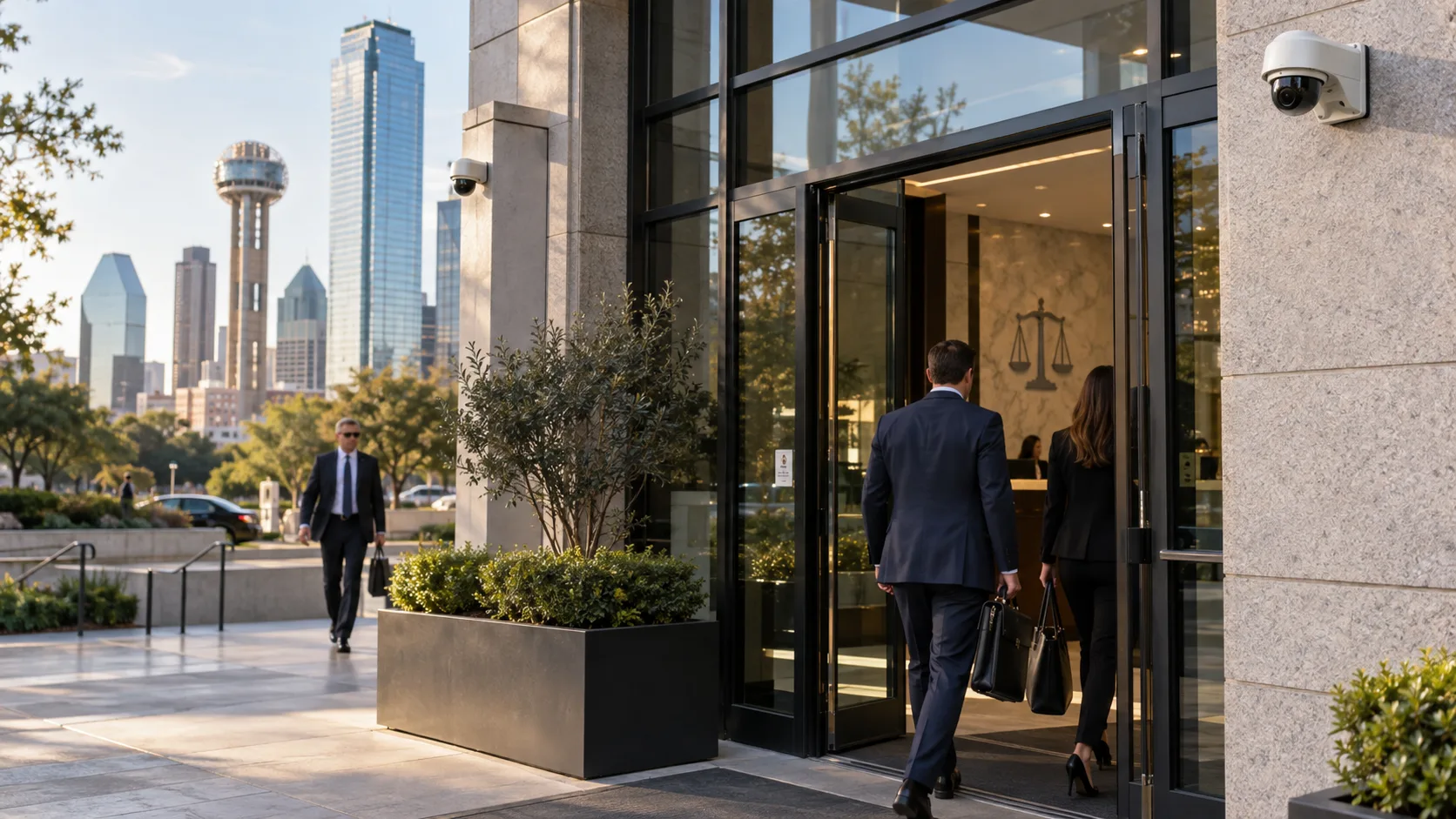
Why Law Firms Need Specialized Security Systems
Protect Confidential Client Records
Every law firm stores information that clients expect to stay private. Whether it’s a file room full of case folders, a storage closet with financial documents, or a server room holding digital records, these areas need more than a locked door with a physical key. Access control lets you restrict entry to specific employees, log every access event with a timestamp, and pull up corresponding camera footage if something goes missing. That kind of audit trail matters when a client asks how their information is being protected.
Control Access to Restricted Areas
Not everyone in the office needs access to every room. A paralegal may need the records room but not the server closet. A receptionist doesn’t need access to the managing partner’s office after hours. Access control systems let you assign permissions by role, so each person can only open the doors that match their responsibilities. Areas that typically need restricted access in a law office:
- ✓File and records storage rooms
- ✓Server and IT rooms
- ✓Partner and attorney offices (after hours)
- ✓Cash and billing offices
- ✓Evidence or exhibit storage
- ✓Supply and equipment rooms
Monitor Visitors and Common Areas
Law firms have a steady flow of visitors — clients, opposing counsel, couriers, vendors, building maintenance. Camera coverage at the reception desk, main entrance, waiting area, and hallways gives you a record of who was in the building and where they went. This isn’t about distrust. It’s about having a factual record if there’s ever a dispute about who was present, when they arrived, or what happened during a visit.
Improve Employee and Staff Safety
Family law firms, criminal defense offices, and practices handling contentious matters sometimes deal with agitated visitors or hostile parties. Cameras in public areas, controlled entry at the front door, and panic buttons at the reception desk give staff a layer of protection and a way to alert others if a situation escalates.
Maintain Security After Business Hours
A significant portion of security incidents happen when nobody is supposed to be in the building. Intrusion detection with door contacts, motion sensors, and glass-break detectors protects the office overnight and on weekends. Scheduled access control ensures that only authorized employees can enter outside normal hours, and every after-hours entry is logged. Remote alerts mean you don’t have to wonder if something happened – the system notifies you in real time.
Security Camera Installation for Law Firms
Camera placement in a law office is different from a retail store or a warehouse. You’re not trying to cover a wide-open sales floor. You’re monitoring specific entry points, hallways, and common areas while respecting the privacy expectations of attorneys, staff, and clients. For professional commercial security camera installation in Dallas, the typical law firm camera plan covers these areas:
- ✓Main entrance and lobby. High-resolution camera capturing everyone who walks in. This is the most important single camera location.
- ✓Reception and front desk. Covers the reception area and any visitor interaction.
- ✓Waiting areas. Monitors visitor activity and helps document arrival and departure times.
- ✓Hallways and corridors. Tracks movement through the office without placing cameras inside private offices.
- ✓Exterior entrances. Side doors, employee entrances, emergency exits. Every way in and out of the building should be covered.
- ✓Parking areas. Where applicable, outdoor cameras with night vision covering the parking lot and building perimeter.
- ✓Records and storage rooms. A camera at the entrance to the file room, ideally paired with access control on the door.
- ✓Server and IT rooms. Camera covering the entry point to document who accesses critical infrastructure.
Privacy note: Cameras should not be placed inside private attorney offices, conference rooms where privileged conversations occur, or restrooms. Placement should be thoughtful and limited to areas where monitoring is appropriate and expected.
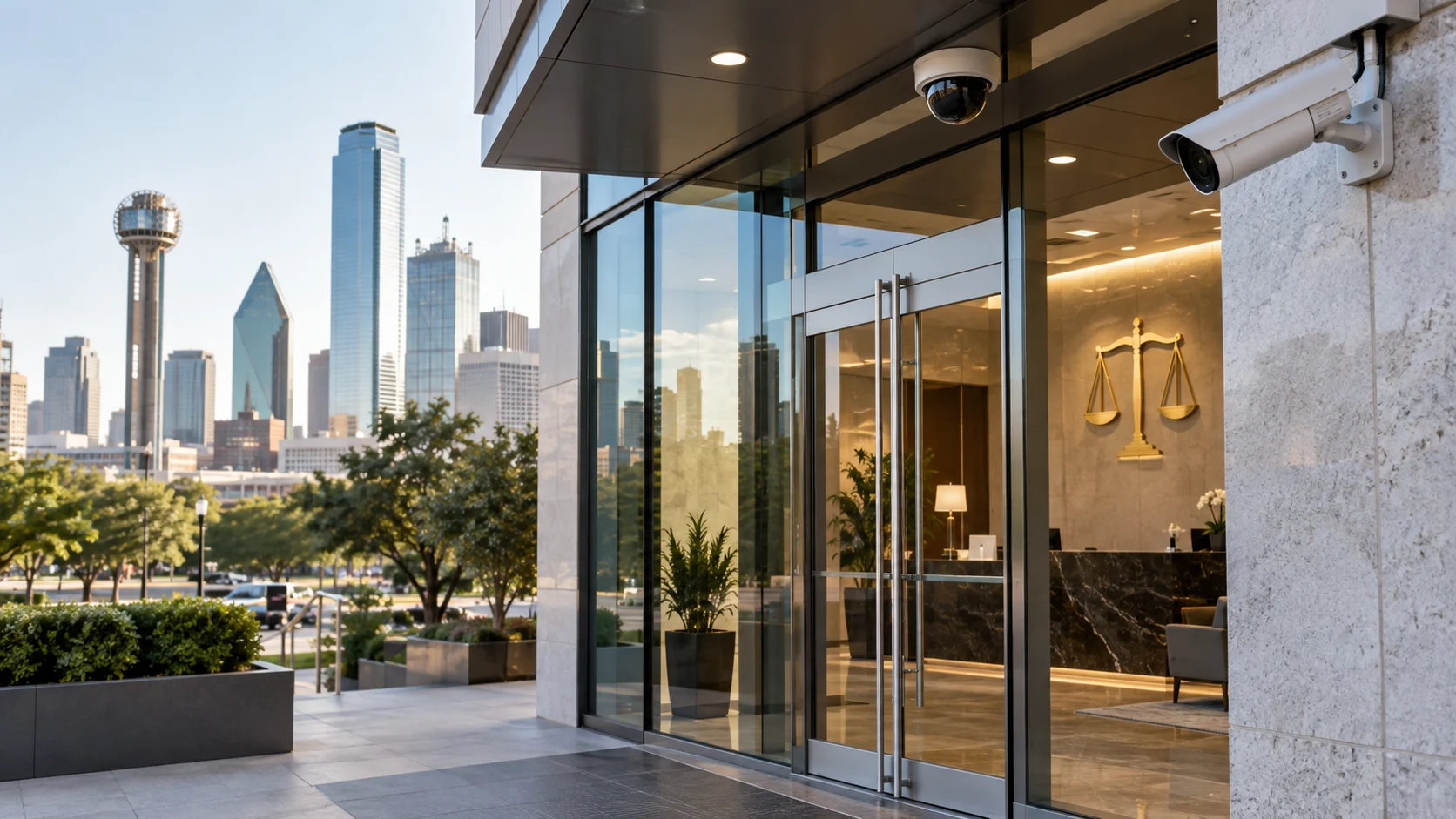
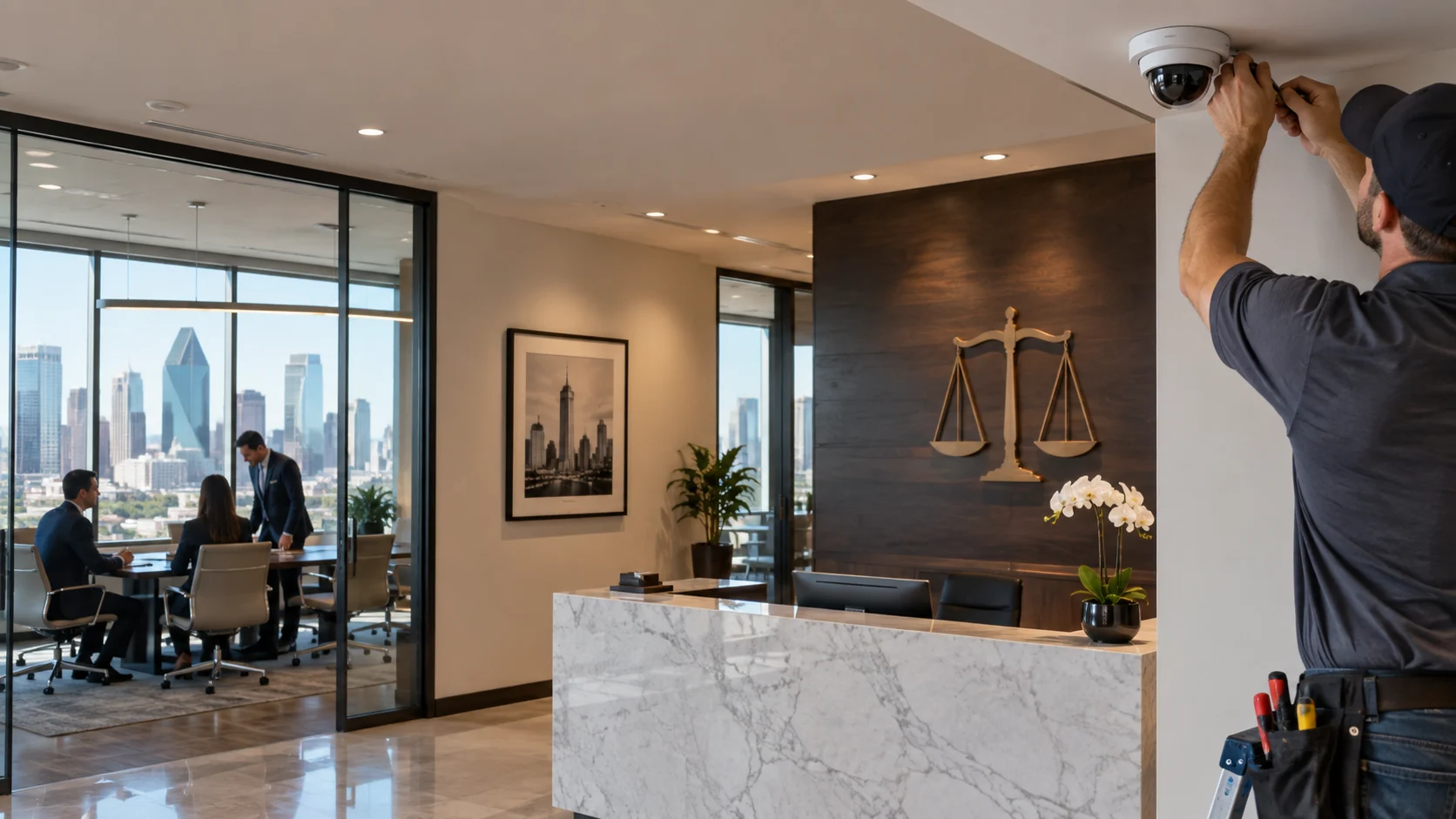
Types of Security Cameras for Legal Offices
Not every camera is the right fit for every spot in a law office. Here’s a quick breakdown of what works where:
Indoor dome cameras.
Low-profile, ceiling-mounted. Good for lobbies, hallways, and reception areas where you want coverage without an imposing look.
Turret cameras.
Similar mounting to domes but with a wider field of view. Work well in hallways and open common areas.
Bullet cameras.
Visible and directional. Common at exterior entrances and parking areas. The visible profile can serve as a deterrent.
Outdoor cameras.
Weather-rated with infrared for night coverage. Required for any exterior-facing position in Dallas heat and weather.
PTZ cameras.
Pan-tilt-zoom. Useful if the firm has a large parking area or a multi-building campus, but most single-office law firms won’t need one.
IP/network cameras.
Modern commercial standard. These connect over the network, record to an NVR (network video recorder), and allow remote viewing. Most law firm camera systems are built on IP cameras. The camera hardware is one piece. The overall system includes the NVR for recording and storage, the network infrastructure to connect everything, and — if the firm wants it — cloud connectivity for remote access. Manufacturers like VIVOTEK network cameras and Hikvision offer commercial lines designed for exactly this kind of installation. A five-attorney office with one entrance and a single hallway might need four to six cameras total. A large multi-floor firm with a parking garage and multiple restricted areas could need twenty or more. The count is determined by the layout, not a formula.
AI Video Analytics for Law Firm Security
Some commercial cameras now include analytics features that go beyond simple motion detection. These aren’t futuristic gimmicks — they’re practical tools that reduce the amount of footage someone has to sit through. Useful AI analytics features for law offices:
- ✓Person detection. Distinguishes a person from a shadow, a tree branch, or an animal. Significantly reduces false alerts.
- ✓Restricted-area alerts. Get notified if someone enters a defined zone (like a server room entrance or a records storage hallway) outside of normal hours.
- ✓Line-crossing detection. Triggers an alert when someone crosses a virtual line — useful for monitoring a back entrance or a boundary you don’t want crossed after hours.
- ✓Loitering detection. Flags when someone stays in one area longer than expected. Useful for exterior entrances and parking areas.
- ✓After-hours activity alerts. Get a push notification on your phone if the system detects movement in the office at 2 AM.
- ✓Searchable video events. Instead of scrubbing through hours of footage, search for specific event types. Some platforms let you search by time, event, or zone.
Available features depend on the camera model and the recording platform. Not every camera supports every feature, and a law firm with five cameras doesn’t necessarily need the same analytics suite as a 200-camera corporate campus. The installer should match the analytics features to the firm’s actual needs.
Access Control for Law Firms
If cameras are the eyes of a security system, access control is the hands. It determines who can physically open which doors, and it keeps a record of every entry. For law offices, access control matters more than in most businesses because of what’s behind those doors — client files, privileged documents, financial records, and IT infrastructure. Access control technologies available for law firms:
- ✓Keycard and RFID credentials. Each employee carries a card or fob. Simple, reliable, and easy to manage. If someone leaves the firm, their credential is deactivated in seconds.
- ✓Mobile credentials. Employees use their smartphones to unlock doors. No card to lose or forget.
- ✓PIN/keypad access. Works for lower-security doors or as a secondary layer. Less secure on its own since PINs can be shared.
- ✓Biometric access. Fingerprint or facial recognition for the highest-security areas like evidence rooms or partner-only spaces.
- ✓Electric strikes and magnetic locks. The actual door hardware that controls whether the door can open. Electric strikes work with standard door handles. Maglocks use an electromagnetic hold and are common on glass doors.
Beyond the hardware, the system gives you:
- ✓Role-based permissions (paralegals access the file room, IT staff access the server room, partners access everything)
- ✓Scheduled access (cleaning crew can enter between 7 PM and 10 PM on weekdays only)
- ✓Temporary visitor credentials
- ✓Complete access logs with timestamps
- ✓Door position monitoring (know if a restricted door was left propped open) If you’re exploring commercial access control systems in Dallas, the configuration should match how your firm actually operates day to day — not a generic office template.
Integrating Security Cameras With Access Control
This is where the system becomes more than the sum of its parts. When cameras and access control are separate, you have two independent logs. One tells you a door was opened at 9:47 PM. The other has video footage from the hallway at 9:47 PM. You can manually cross-reference them, but it takes time and effort. When the two systems are integrated, they work together automatically: 1. An employee badges into the records room at 9:47 PM. 2. The access event is logged with the employee’s name, credential, door, and timestamp. 3. The camera at that door records the event and links it to the access log. 4. If you need to investigate, you pull up the access event and the video appears alongside it.
Practical benefits for a law firm:
- ✓Video verification of every door event. See exactly who used a credential, not just which credential was used.
- ✓Unauthorized access alerts with footage. If someone tries a door they’re not authorized for, you get an alert and a video clip.
- ✓Incident investigation. When something goes missing from a restricted area, you have both the access log and the video in one place.
- ✓Centralized management. Manage cameras, access credentials, alerts, and footage from a single dashboard instead of switching between separate systems.
Most standalone security companies install cameras or access control. The ability to integrate them into one system is what separates a security installation from a security solution. Security In DFW installs integrated systems where cameras and access control share the same platform, so every event has both a log entry and a video record.
Other Security Systems a Law Firm May Need
Intrusion Detection and Alarm Systems
Alarm systems protect the office when it’s closed. Door contacts on every entry point, motion sensors in key areas, and glass-break detectors on ground-floor windows form the baseline. When the alarm triggers, it sends an alert and can simultaneously activate camera recording. For a law firm, intrusion detection is particularly important because the office is unattended most of the time – evenings, weekends, holidays. That’s when break-ins happen, and that’s when you need automated protection.
Remote Monitoring and Alerts
Managing partners and office managers shouldn’t have to wonder whether the office is secure. Remote monitoring lets you check live camera feeds, review recorded footage, and receive push notifications for specific events — all from a phone app. If someone enters the office after hours, or a restricted door is opened unexpectedly, you find out immediately rather than discovering it the next morning.
Intercom and Visitor Communication
Some law firms benefit from a video intercom at the main entrance. The receptionist (or an attorney working after hours) can see and speak with the visitor before buzzing them in. This is useful for firms that handle sensitive cases or deal with high-conflict situations.
Security System Health Monitoring
A camera that’s offline for three weeks without anyone noticing isn’t providing security. Health monitoring checks that cameras, access readers, and alarm sensors are online and functioning. Some platforms send automated alerts when a device goes offline, so the problem gets fixed before it matters.
Choosing the Right Security System for a Law Firm
Every law office is different. A solo practitioner in a small office suite has completely different needs than a 50-attorney firm occupying two floors of a downtown Dallas building. Here’s what shapes the system: 1. Number of employees and their access levels 2. Number of entrances (main, employee, emergency exits) 3. Office size and floor plan layout 4. Number of restricted areas (file rooms, server rooms, partner offices) 5. Visitor volume and client traffic patterns 6. Indoor vs. outdoor coverage requirements 7. Number of office locations across DFW 8. Recording and storage requirements (how many days of footage) 9. Remote access and mobile monitoring needs 10. Existing cameras, locks, or alarm equipment 11. Integration needs (cameras + access control + alarms on one platform) 12. Budget and future expansion plans Here’s a quick reference for matching common law firm needs to the right security component:
| Law Firm Need | Recommended Security Solution |
|---|---|
| Monitor entrances and lobby | Security cameras at main and secondary entrances |
| Restrict access to records room | Access control with keycard or biometric reader |
| Protect office after hours | Intrusion alarm with door contacts and motion sensors |
| Review incidents and disputes | NVR-based video recording with 14–30 day storage |
| Monitor office remotely | Mobile app or cloud-based camera access |
| Detect unusual after-hours activity | AI video analytics with person detection and zone alerts |
| Manage multiple office locations | Cloud-managed platform with centralized dashboard |
| Screen visitors before entry | Video intercom at main entrance |
| Track who accessed a restricted area | Integrated access logs + camera footage |
Professional Security System Installation for Law Firms in Dallas
The equipment matters, but installation quality determines whether the system actually works the way it’s supposed to. A poorly positioned camera, a misconfigured NVR, or an access reader wired incorrectly will create problems that the equipment itself can’t fix. What professional installation covers for a law firm:
- ✓Camera placement and angles. Each camera is positioned to cover the intended area with the right field of view, resolution, and lighting. A camera aimed wrong by 15 degrees can miss the one thing you needed to see.
- ✓Network and cabling. Proper cable runs through walls, ceiling, or conduit. PoE (Power over Ethernet) switches to power cameras over the same cable that carries data. Clean, organized installation — not cables zip-tied to exposed pipes.
- ✓NVR configuration. Storage capacity, recording schedules, resolution settings, and retention policies set up to match the firm’s needs.
- ✓Access control wiring and hardware. Readers, controllers, electric strikes or maglocks installed on each controlled door. Door frame compatibility verified before installation, not after.
- ✓User permissions and credentials. Employee roles, access schedules, and temporary credentials configured so the system reflects how the office actually operates.
- ✓System integration. Cameras and access control connected on the same platform so door events link to video footage.
- ✓Testing. Every camera, sensor, reader, and alert is verified before the installer leaves.
- ✓Staff training. The office manager, IT contact, and partners who need access learn how to use the system, view footage, manage credentials, and respond to alerts.
- ✓Ongoing support. Firmware updates, hardware maintenance, and configuration changes as the firm’s needs evolve.
Professional installation should be scheduled around the firm’s operations. For most Dallas law offices, the goal is to complete the installation without disrupting the workday.
Our Approach to Law Firm Security in Dallas-Fort Worth
Security In DFW follows a structured process for every commercial installation. Here’s what a law firm project looks like from first call to finished system:
1. Initial consultation.
We talk through what the firm needs, what concerns are driving the project, and what’s currently in place. This usually takes 15–20 minutes by phone.
2. On-site security assessment.
A technician walks the office and documents every entrance, hallway, restricted area, server room, parking area, and potential security gap. This assessment is free.
3. Camera and access control plan.
Based on the assessment, we map out camera locations, access-controlled doors, alarm sensor placement, and any integration points. The plan is specific to your building.
4. Equipment selection.
Camera type, resolution, access credential type, NVR capacity, and other hardware selected to match the plan.
5. Installation and configuration.
Cameras, cabling, access readers, door hardware, NVR, and network equipment installed and configured. Scheduled to minimize disruption to the firm.
6. Integration.
Cameras and access control connected on the same platform. Door events linked to video footage.
7. Full system testing.
Every component tested end to end — cameras, recording, access readers, alarms, alerts, and remote access.
8. Training.
Staff walkthrough covering live viewing, recorded footage review, credential management, alert response, and basic troubleshooting.
9. Ongoing support.
Post-installation support for maintenance, firmware updates, system changes, and expansion. Security In DFW is licensed by the Texas Department of Public Safety (License #B19875). You can verify installer licensing through the Texas private security licensing requirements page on the DPS website. All installations are performed by in-house technicians.
Why Choose Security In DFW for Law Firm Security Systems?
Texas-licensed commercial security installer.
DPS License #B19875. All work complies with Texas regulations.
15+ years in Dallas-Fort Worth.
Over 1,200 businesses secured across 40+ DFW cities.
Integrated systems.
Cameras, access control, and alarms installed on a single platform – not three separate systems with three separate logins.
Commercial-focused.
We work with offices, law firms, medical practices, warehouses, and retail stores. Commercial security is what we do, not a sideline.
Free on-site assessment.
A technician – not a salesperson – walks your office and builds a plan around your actual building and needs.
Same-week installation.
Available for most projects. Your security shouldn’t wait weeks because someone is backed up on scheduling.
Ongoing support after installation.
Maintenance, firmware updates, credential management, and system changes. We’re available after the install is done.
5-star Google rating.
Client reviews consistently highlight responsiveness, installation quality, and long-term support.
Frequently Asked Questions About Law Firm Security Systems
There’s no single best system. The right configuration depends on how many entrances the office has, the number of restricted areas (file rooms, server rooms, partner offices), visitor traffic, staff size, and whether you want cameras only or an integrated system with access control and alarms. A site assessment is the best way to determine what fits.
It depends on the office layout. A small practice with one entrance and a short hallway might need four to six cameras. A larger firm with multiple floors, a parking area, and several restricted rooms could need fifteen or more. Camera count is determined by coverage needs, not a fixed formula.
Yes. When integrated, door access events are linked to camera footage. If someone badges into the records room, the system logs who, when, and records the corresponding video. This makes investigations faster and more reliable.
Most modern commercial camera systems support remote viewing through a phone app or web browser. You can check live feeds, review recorded footage, and receive alerts from anywhere with an internet connection.
Yes. Access permissions are assigned by role. A paralegal might have access to the file room but not the server room. An associate might have after-hours access to the office but not to the managing partner’s suite. Permissions can be updated anytime without rekeying a single lock.
They can be. Person detection reduces false alerts. Restricted-zone alerts notify you if someone enters a sensitive area outside of business hours. Searchable events let you quickly find specific footage instead of reviewing hours of video. Whether AI features are worth the added cost depends on the firm’s security priorities.
It varies by project. A small office with four to six cameras can often be completed in a day. Larger installations with access control, alarm integration, and extensive cabling may take two to three days. Security In DFW offers same-week scheduling for most projects.
Yes. A properly designed system is built to allow expansion — additional cameras, new access-controlled doors, more storage, more user credentials. Planning for growth during the initial installation makes future expansion straightforward and less expensive.
Sometimes. It depends on the camera model, protocol support, wiring, and recording platform. Some older analog cameras can’t connect to modern IP-based NVR systems. During the site assessment, the installer evaluates existing equipment and determines what can be reused.
For a commercial system with multiple cameras, access control, and alarm integration — yes. Professional installation ensures correct camera angles, proper cabling, door hardware compatibility, system configuration, integration testing, and staff training. A DIY installation might save money upfront but typically creates gaps that cost more to fix later.
Get a Security Assessment for Your Dallas Law Firm
If you’re a managing partner, office manager, or facilities director at a Dallas law firm, the first step is getting someone qualified to look at your space and tell you what it actually needs. Security In DFW offers a free on-site security assessment for law offices across Dallas and the DFW Metroplex. Here’s what you get:
- ✓A walkthrough of your office layout, entrances, hallways, and restricted areas
- ✓Identification of security gaps and vulnerable points
- ✓Camera placement recommendations for your specific floor plan
- ✓Access control recommendations for doors that need restricted entry
- ✓A clear, itemized installation proposal — no pressure, no generic packages
Ready to secure your law firm? Call (469) 225-3031 or request your free security assessment at securityindfw.com