
Security Systems & CCTV Camera Installation for Educational Facilities in Dallas
Cameras, access control, alarms and visitor entry, planned around how your campus actually works and installed by a licensed Dallas security team.
CTA buttons: Request a site assessment | Call (469) 225-3031
School Security at a Glance
Quick summary
Educational facilities in Dallas typically use four core systems: IP security cameras, access control, intrusion alarms, and visitor entry (video intercom), ideally managed from one platform.
The right setup depends on your campus size, number of buildings and entry points, existing cabling and equipment, how many people need access, and how much video you need to store.
Before buying anything, schools should get an on-site assessment. Camera placement, door hardware, and network capacity matter more to results than the brand name on the box.
Security In DFW designs and installs these systems for schools, colleges, universities, and private educational institutions across Dallas and the DFW metroplex.
If you manage security or facilities for a school, you already know the challenge isn’t finding cameras. It’s figuring out which system actually fits your buildings, your staff, and your budget.
A small private school with one building and three entrances needs something very different from a college campus with parking garages, dorms, and athletic fields.
This page walks through the options the way we’d explain them in a walkthrough with your team: what each system does, where it belongs on campus, and what to watch for during installation.
What Security Systems Do Educational Facilities Need?
Most schools don’t need every product on the market. They need the right mix, placed correctly, and connected so staff can use it without a learning curve.
| System | What it does | Where it matters most |
|---|---|---|
| IP security cameras (CCTV) | Records and streams video for live viewing and investigations | Entrances, hallways, parking lots, perimeters, athletic areas |
| Access control | Controls who can open which doors, and when | Main entrances, staff doors, IT rooms, labs, offices |
| Intrusion alarms | Detects break-ins after hours | Building perimeter doors, windows, high-value rooms |
| Video intercom / visitor entry | Lets front office staff see and talk to visitors before unlocking | Main entrance vestibules, secondary entries |
| Remote / cloud management | Lets authorized staff view video and manage doors from anywhere | Multi-building campuses, district-level oversight |
Security cameras and video surveillance
Modern school video surveillance runs on IP cameras over your network, not the old analog coax systems many campuses still have.
IP cameras give you clearer footage, smarter search tools, and remote viewing. Many also include analytics like line crossing, loitering detection, or vehicle detection, which help staff find what they need without scrubbing hours of video.
We install camera lines from manufacturers like Hikvision depending on the project’s needs and budget. Our commercial security camera installation in Dallas covers the full scope, from design through configuration.
Access control systems for schools
Access control replaces (or supplements) physical keys with credentials like cards, fobs, or mobile credentials. For schools, the biggest benefits are practical:
-
✓
You can deactivate a lost card in seconds instead of rekeying a building.
-
✓
Doors can lock and unlock on a schedule that matches bell times, events, and summer hours.
-
✓
Every door event is logged, so you know who entered the IT room at 7:40 p.m.
We cover planning, hardware, and setup in more detail on our page about commercial access control systems in Dallas.
Intrusion alarms
Cameras show you what happened. Alarms tell you it’s happening.
After-hours break-ins at schools often target electronics, athletic equipment, and concession areas. Door contacts, motion sensors, and glass-break detectors on the building envelope provide the alert that triggers a response.
Visitor entry and video intercom
A video intercom at the main entrance lets front office staff see and speak with visitors before buzzing them in. Paired with a secured vestibule, this is one of the most effective upgrades a school can make, because it keeps visitor screening at the door instead of inside the building.
Remote and cloud-based management
For multi-building campuses or organizations with several sites, cloud video management platforms such as Eagle Eye Networks let authorized administrators view cameras and review footage from a browser or phone.
This also reduces reliance on on-site recorders that can fail, fill up, or get overlooked for years.
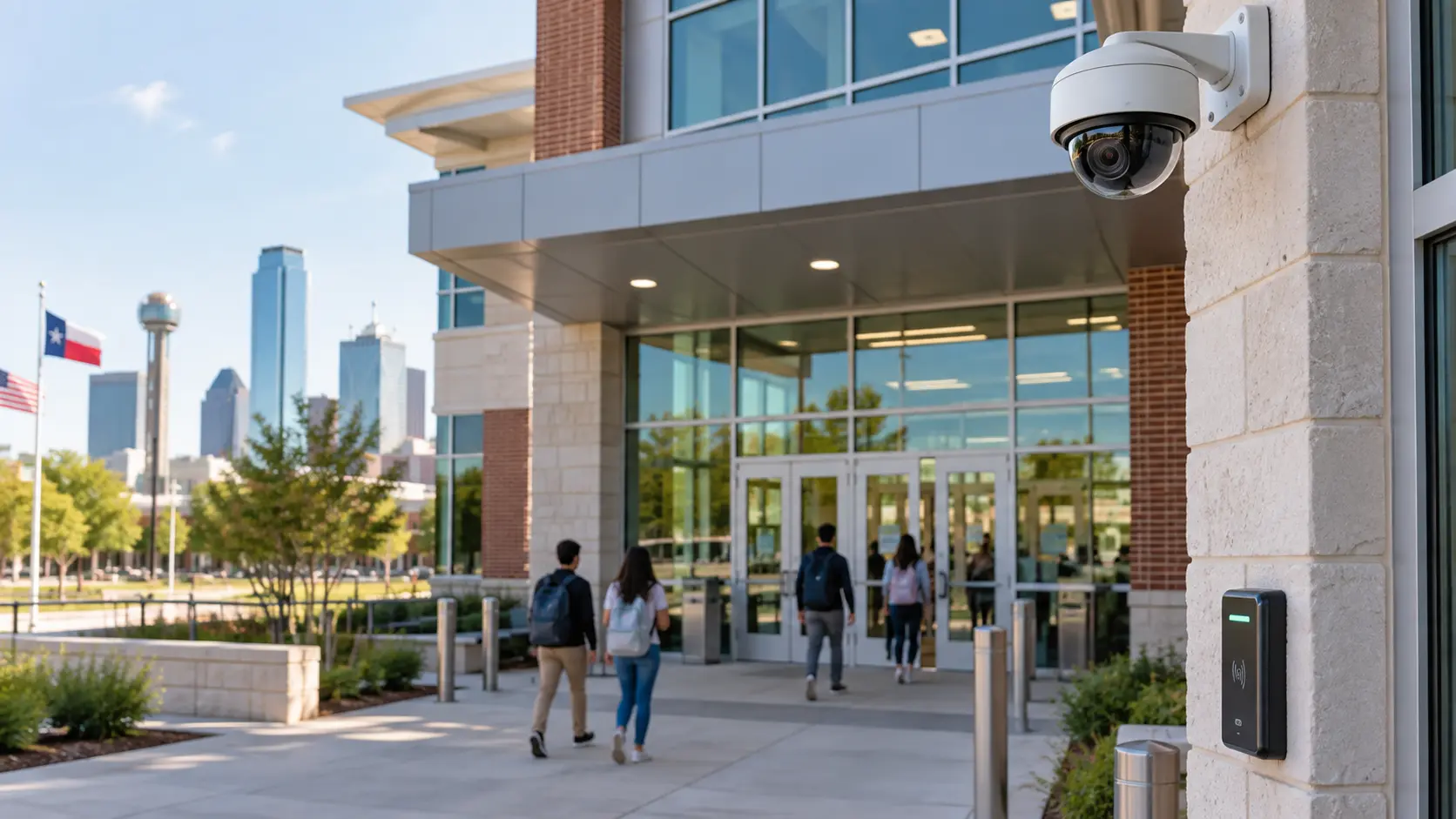
How Cameras and Access Control Work Across a School Campus
Every area of a campus has a different job and a different risk profile. Here’s how we typically approach each one.
Main entrances
The main entrance is where most of your security effort should start.
We usually recommend two cameras here: one at face height capturing clear identification of everyone entering, and one wider view covering the approach. A camera mounted high and pointing straight down looks tidy but mostly records the tops of heads.
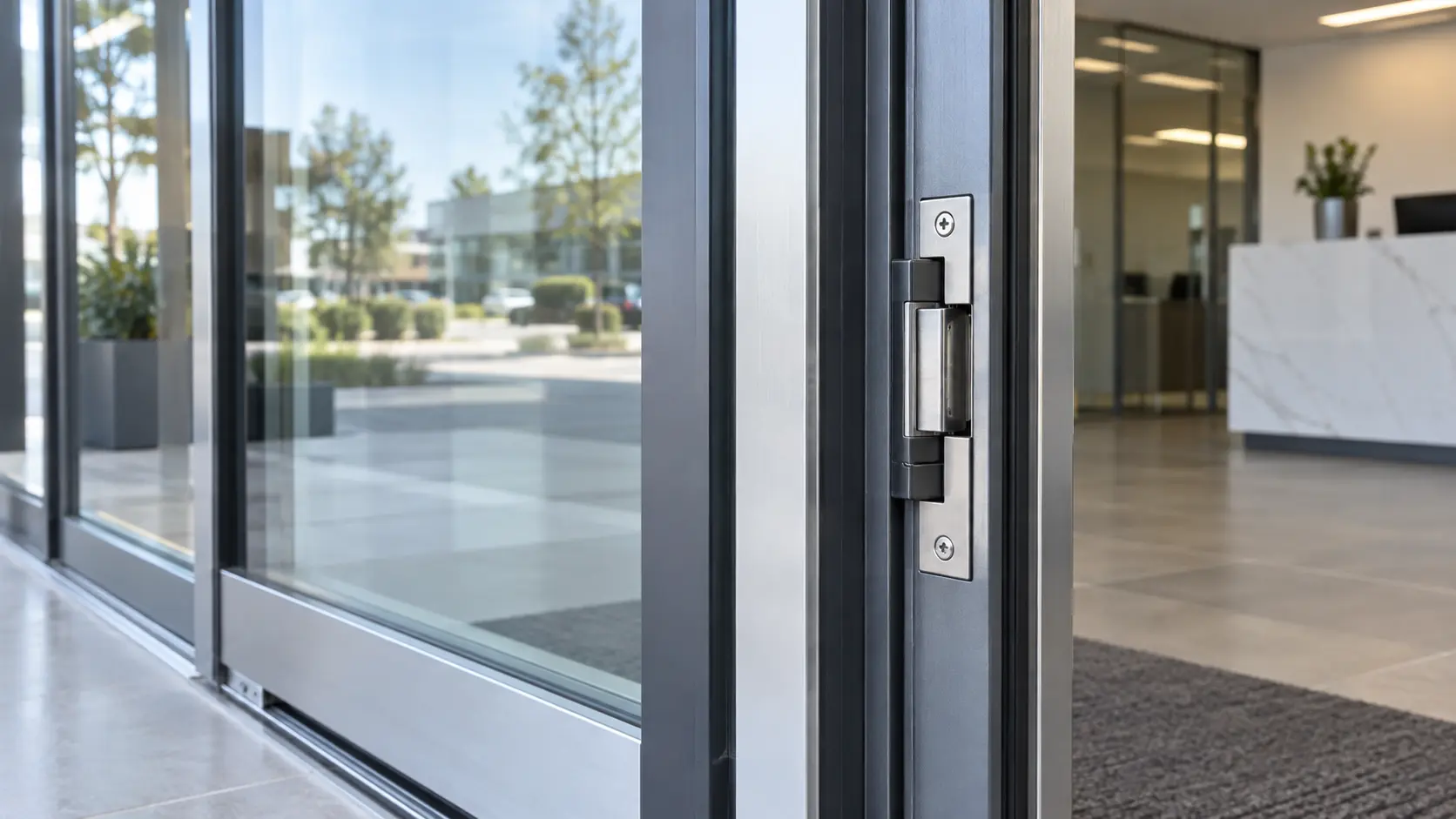
Pair that with a video intercom and an electric strike or maglock tied to the front office, so staff control entry with a button instead of walking to the door.
Administrative offices
Front offices handle visitor screening, student records, and cash from fees or events.
Common setups include a camera covering the reception counter, card access on records rooms, and a discreet duress button that alerts designated staff or a monitoring center.
Classrooms
Cameras inside classrooms are a policy decision, not just a technical one. Many schools choose to cover classroom doorways from the hallway instead of recording instruction.
Where classroom access control makes sense, locks that can be secured from inside the room (or remotely, depending on the hardware) are worth discussing during planning. Coordinate these choices with your administration and legal counsel.
Hallways
Hallways are long and narrow, so standard wide-format cameras waste most of the image on walls.
We use cameras with corridor mode, which rotates the image vertically to fit the hallway. Mounting at the end of the hall, rather than the middle, captures faces walking toward the camera.
Parking lots
Parking lots are big, open, and often poorly lit. Pole-mounted cameras with strong infrared or low-light performance work best.
At vehicle entrances, license plate recognition (LPR) cameras can log every car entering campus. Running cable to distant poles is often the most expensive part, so we evaluate trenching, existing conduit, or wireless point-to-point links on a case-by-case basis.
Athletic facilities
Stadiums, fields, and tracks are used after hours, which is exactly when they’re most vulnerable.
Multi-sensor cameras cover wide areas like bleachers and concourses with fewer mounting points. For night coverage, we plan around existing field lighting and add infrared where lights go dark after events.
Gyms
Gyms have high ceilings and large windows, which create two problems: long mounting distances and harsh backlight.
Cameras with wide dynamic range (WDR) handle the glare from windows. Protective housings help where balls and equipment fly around.
Cafeterias
Cafeterias are large, open rooms with a lot of movement. A 360-degree fisheye camera mounted in the center of the ceiling can replace several standard cameras.
Add a dedicated camera at the point-of-sale or cashier line if your cafeteria handles payments.
Restricted areas
Chemical storage, maintenance rooms, mechanical rooms, and supply closets should be card access only, with access limited to staff who need it.
A door position sensor tells you if the door is propped open, which is one of the most common problems we see.
Server and IT rooms
Your IT room holds the network switches, recorders, and servers that everything else depends on.
We recommend card access with an audit trail, a camera covering the door and rack area, and power backup (UPS) for the recorder and core switches so video keeps recording through short outages.
Laboratories
Science and computer labs contain expensive equipment and sometimes hazardous materials.
Scheduled access lets labs unlock only during class periods, with after-hours access restricted to authorized teachers.
Loading docks and service entrances
Service doors are the most commonly overlooked entry points on a campus. Deliveries, vendors, and kitchen staff all use them, and they’re frequently propped open.
A camera on the dock, card or keypad access on the door, and a held-open alarm solve most of the problem.
Campus perimeters
Perimeter coverage focuses on gates, fence lines, and pedestrian entry points.
In North Texas, outdoor equipment has to handle heat, storms, and intense afternoon sun. We use outdoor-rated housings and avoid aiming cameras west where the setting sun washes out the image.
Quick reference: coverage by area
| Area | Recommended camera type | Access control? |
|---|---|---|
| Main entrance | Face-height fixed + wide overview | Yes, with video intercom |
| Admin offices | Fixed dome over reception | Yes, on records rooms |
| Classrooms | Hallway coverage of doorways (policy dependent) | Optional, policy dependent |
| Hallways | Corridor-mode fixed cameras | Typically no |
| Parking lots | Pole-mounted, low-light, LPR at entrances | Gate control if applicable |
| Athletic facilities | Multi-sensor, IR | Yes, on equipment rooms |
| Gyms | WDR cameras, protective housings | Yes, on exterior doors |
| Cafeterias | 360-degree fisheye | Typically no |
| Restricted areas | Fixed camera on door | Yes |
| Server / IT rooms | Fixed camera on door and racks | Yes, with audit trail |
| Laboratories | Fixed dome | Yes, scheduled |
| Loading / service entrances | Fixed or bullet camera | Yes, with held-open alarm |
| Campus perimeter | Bullet or PTZ at gates | Gate control if applicable |
How Integrated School Security Systems Work Together
Many schools end up with a camera system from one vendor, card readers from another, and an alarm panel nobody remembers the code for. Each works on its own, but none of them talk to each other.
An integrated system connects these pieces so one event triggers useful action across the others. Here’s what that looks like in practice:
A door is forced open after hours.
The alarm triggers, the nearest camera bookmarks the video, and designated staff get an alert with a clip.
Someone badges into the IT room.
The access log links directly to video of that moment, so you can confirm who actually walked in.
A visitor presses the intercom.
The front office sees the live video, speaks with them, and unlocks the door from the same screen.
A lockdown is needed.
Depending on the hardware, authorized staff can secure designated doors from one interface instead of locking each one by hand.
Platforms from manufacturers like Avigilon are designed around this kind of unified video and access control management.
| Standalone systems | Integrated system | |
|---|---|---|
| Interfaces staff must learn | Several | One |
| Linking door events to video | Manual search | Automatic |
| Response to alarms | Separate alerts, no context | Alert with live video |
| Adding a new building | New system per vendor | Extends existing platform |
| Troubleshooting | Multiple vendors | One point of contact |
Integration doesn’t always mean replacing what you have. Many existing cameras and door controllers can be brought into a unified platform, which we evaluate during the site assessment.
How to Choose the Right Security System for Your School
There’s no single “school package” that fits every campus. The right system comes from looking at how your facility is actually used. Here are the factors we review with every educational client, and why each one matters.
| Factor | Why it matters | What to ask |
|---|---|---|
| Campus size | Larger sites need more cameras, longer cable runs, and often wireless links | How much outdoor area needs coverage? |
| Number of buildings | Each building needs network connectivity back to the system | Are buildings already connected by fiber? |
| Entry points | Every exterior door is a potential access control point | Which doors should be staff only, public, or emergency exit only? |
| Existing infrastructure | Usable cabling, conduit, and network switches lower project cost | Is your network cabling Cat5e, Cat6, or older coax? |
| Camera coverage | Coverage goals decide camera count and type | Do you need identification, or just general awareness? |
| Access requirements | Staff, students, vendors, and after-hours users all need different permissions | Who needs access where, and when? |
| Remote management | Multi-site or district teams need browser or mobile access | Who needs to view video off campus? |
| Storage requirements | Retention time and camera resolution drive storage size | How long does your policy require footage to be kept? |
| Scalability | Campuses grow, and systems should grow with them | Are new buildings or portables planned? |
| Budget | Determines phasing and product tier | Can the project be split across budget cycles? |
| Existing equipment | Some cameras and controllers can be reused | What’s installed now, and is it still supported? |
A few things we see often
Existing coax can sometimes be reused.
Older analog camera systems don’t always require new cable. Encoders or hybrid recorders can carry some cameras forward while you phase in IP cameras over time.
Network capacity gets overlooked.
Dozens of HD cameras put real load on a school network. We check switch capacity and Power over Ethernet (PoE) budgets before installation, not after.
Door hardware drives access control cost.
A reader is simple. The electrified lock behind it depends on the door type, frame, and fire code requirements, and that’s where most of the planning time goes.
Storage should match policy, not guesswork.
Set your retention period first. Then we size storage to meet it, with room for added cameras.
What Affects the Cost of School Security Systems in Dallas?
We don’t give fixed quotes without seeing the site, because two schools with the same square footage can need very different systems.
What we can do is explain what moves the price up or down, so you can plan and budget with realistic expectations.
Main cost drivers
| Cost factor | Impact on cost | Why |
|---|---|---|
| Number of cameras | High | Each camera adds hardware, cabling, labor, and licensing |
| Camera type | Medium to high | Multi-sensor, PTZ, and LPR cameras cost more than fixed domes |
| Cabling and distance | High | Long runs to parking lots, fields, and detached buildings add labor and materials |
| Number of access-controlled doors | High | Each door needs a reader, lock hardware, controller capacity, and wiring |
| Door and frame condition | Medium | Older or non-standard doors may need modification or new hardware |
| Storage and retention | Medium | Longer retention and higher resolution need more storage |
| On-site vs cloud management | Varies | On-site means upfront recorder cost; cloud often means ongoing subscription fees |
| Existing infrastructure | Can lower cost | Usable cabling, conduit, and network gear reduce installation scope |
| Installation timing | Low to medium | After-hours or phased work around school schedules can affect labor planning |
Typical project scope by facility type
These examples show how scope changes across educational facilities. They’re illustrations to help you think about your own project, not quotes.
| Facility type | Typical scope | Key considerations |
|---|---|---|
| Early learning center or daycare | Small camera system, video intercom at entry, card access on main doors | Controlled drop-off and pickup, parent visitor screening |
| Small private school (single building) | Interior and exterior cameras, access control on exterior doors, visitor entry | Front office entry control, simple management for small staff |
| Charter school | Cameras, access control, alarms, often in leased or converted buildings | Landlord approval, existing building hardware, budget phasing |
| K-12 campus (multiple buildings) | Larger camera count, access control across buildings, integrated platform | Portables, athletic fields, bus loop, parking coverage |
| College or university campus | Enterprise video management, access control across many buildings, LPR, cloud or hybrid storage | Dorms, labs, parking structures, multiple admin users, IT coordination |
Ways schools keep costs manageable
Phase the project.
Start with entrances and perimeter doors, then add interior coverage in the next budget cycle.
Reuse what still works.
Supported cameras, conduit, and cabling can often stay in place.
Plan for growth upfront.
Choosing a platform that scales avoids paying to replace it later.
Schedule during breaks.
Summer and holiday installations reduce disruption and can simplify access to classrooms and hallways.
Planning a school security project in Dallas?
Every campus is different, so we start with a site assessment. We’ll walk your facility, review your existing equipment, and give you a clear scope and quote built around your buildings and budget.
CTA buttons: Request a site assessment | Call (469) 225-3031
Our Installation Process for Educational Facilities
A good school security system comes from careful planning, not just good hardware. Here’s how we run projects from first visit to long-term support.
Step 1: Site assessment
We walk the campus with your facilities, IT, and administrative staff. We look at entrances, door hardware, cable pathways, network closets, lighting, and existing equipment.
Step 2: Security requirements review
We talk through what you actually need: who needs access where, what coverage matters most, how long video should be kept, and who will manage the system day to day.
Step 3: Camera placement planning
We map each camera to a specific purpose, such as identification at a door or overview of a lot. This is where we catch blind spots, backlight problems, and mounting issues before anything is installed.
Step 4: Access control planning
We review every door on the list: frame type, lock hardware, fire code egress requirements, and reader placement. Readers need to sit where people naturally reach, not tucked behind a door swing.
Step 5: System design
You get a clear design showing camera locations, door hardware, cabling routes, network requirements, and storage sizing. We coordinate with your IT team on network segmentation and switch capacity.
Step 6: Installation
Our technicians run cabling, mount cameras, install door hardware and controllers, and connect everything to the network. We schedule around class times, events, and breaks whenever possible.
Step 7: Configuration
We set up recording schedules, retention, motion and analytics settings, user permissions, door schedules, and alerts to match how your school operates.
Step 8: Testing
Every camera is checked for focus, angle, and day and night image quality. Every door is tested for card reads, lock release, held-open alarms, and egress.
Step 9: Staff handoff and training
We train your administrators, front office staff, and IT team on the tasks they’ll actually do: finding video, exporting clips, adding and removing cardholders, and responding to alerts.
Step 10: Ongoing support
After installation, we’re available for troubleshooting, system updates, adding cameras or doors, and planning future expansion.
Why Educational Facilities Choose Security In DFW
We’ve been designing and installing commercial security systems in the Dallas-Fort Worth area for more than 15 years.
Licensed in Texas
TX License #B19875.
Local team
Headquartered in Carrollton, serving schools and businesses across DFW.
Complete scope
Cameras, access control, alarms, video intercom, and the cabling behind them, from one team.
Brand flexibility
We work with established manufacturers including Hikvision, Avigilon, Eagle Eye Networks, and Vivotek, and recommend based on your needs rather than one product line.
Education-friendly scheduling
We plan installations around school calendars to keep disruption low.
Serving Schools and Campuses Across Dallas-Fort Worth
We install security systems for educational facilities in Dallas and throughout the metroplex, including Plano, Frisco, McKinney, Irving, Garland, Carrollton, Lewisville, Denton, Flower Mound, Fort Worth, Rockwall, and surrounding communities.
Schools outside Dallas can also explore our local pages for security camera installation in Plano, security systems in Frisco, and access control installation in Fort Worth.
Frequently Asked Questions
It depends on the number of cameras, access-controlled doors, cabling distances, storage needs, and existing equipment. A small private school and a multi-building campus can differ widely in scope. A site assessment gives you an accurate quote.
Often, yes. We evaluate your current cameras, recorders, and cabling. Supported equipment can frequently be integrated into a new system or kept while you upgrade in phases.
Traditional CCTV uses analog cameras over coax cable. IP cameras connect over your network, offer higher resolution, and support remote viewing and analytics. Most new school installations use IP cameras.
On-site recorders have a higher upfront cost and no subscription. Cloud storage adds ongoing fees but simplifies remote access and removes the risk of a single recorder failing. Many campuses use a hybrid of both.
That’s set by your school or district policy. Once you define a retention period, we size storage to meet it for all cameras.
In most cases, yes. The hardware needed depends on the door, frame, and existing locks. We review each door during the site assessment.
Yes. Most modern systems support mobile and browser access, with permissions set so each user sees only what they need.
We plan around your schedule, using after-hours, weekend, holiday, or summer work where needed to minimize disruption.
Yes. We design systems for multi-building campuses, including parking, residence halls, labs, and athletic facilities.
Yes. We offer ongoing support for troubleshooting, updates, and system expansion.
Request a Site Assessment for Your School or Campus
Whether you’re upgrading an aging camera system, adding access control to exterior doors, or planning security for a new building, we’ll help you build a plan that fits your facility and budget.
Our team will walk your campus, review your existing equipment, and recommend a practical system with a clear, itemized quote.
CTA buttons: Call Security In DFW at (469) 225-3031 | Request your free site assessment