
Security Systems & CCTV Camera Installation for Government Offices in Dallas
Security In DFW designs and installs security systems for government offices, municipal buildings, and public-sector facilities in Dallas. Our services include CCTV and video surveillance cameras, access control systems, intrusion detection alarms, and visitor management technology. These systems protect employees, visitors, sensitive records, and restricted areas while providing access logs and video evidence for incident investigation. We serve government facilities throughout Dallas-Fort Worth. Contact us to schedule a free security assessment.
Government Security at a Glance
Government Security Systems for Dallas Offices and Facilities
Government facilities are not like typical commercial buildings. A standard lock-and-key setup or a standalone camera over the front door does not address the security concerns a municipal office or public service center faces daily. Public visitors walk in and out. Employees access restricted files and records. Elected officials and department heads need access to different areas at different times. Sensitive documents, IT equipment, and legal records may be stored on-site. In Dallas, government facilities come in many forms:
- ✓Municipal offices and city administration buildings
- ✓Public service centers and permit offices
- ✓Public-facing departments with high visitor traffic
- ✓Restricted government departments handling sensitive information What needs protection varies just as much. Some facilities need to control access to a single server room. Others need full perimeter coverage across a campus-style property. The right security system depends entirely on the facility, its layout, and the specific risks it faces.
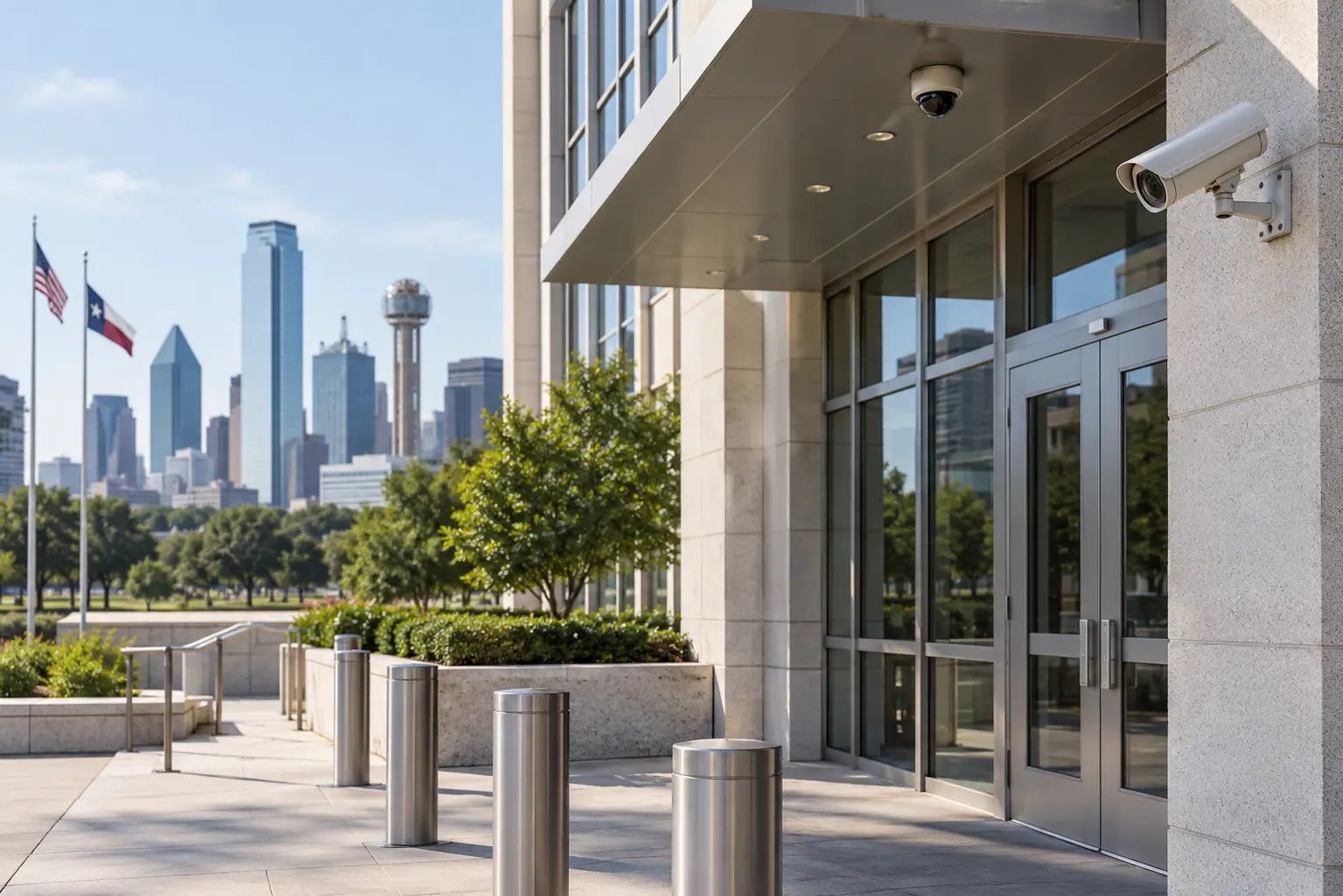
Common Security Challenges for Government Offices
Understanding these challenges is the first step toward choosing the right system.
Unauthorized Access
Without electronic access control, restricting entry to authorized personnel is difficult. Physical keys can be copied, lost, or shared without a record. An access control system assigns credentials to individuals and logs every entry.
Sensitive Information and Restricted Areas
Records rooms, IT server rooms, and executive offices contain information that should not be accessible to everyone. These spaces benefit from a second layer of access control beyond the main entrance.
Public-Facing Security
Permit offices, tax offices, and social services centers see steady foot traffic. Security systems need to keep public areas visible while restricting access to staff spaces.
Theft and Vandalism
Government buildings are not immune to theft from visitors, contractors, or internal sources. Visible cameras deter many incidents, and recorded footage is essential for investigating anything that does occur.
After-Hours Activity
Alarm systems with motion sensors and door contacts detect unauthorized entry after hours. Cameras with low-light capability continue recording. Access schedules can restrict credential use outside approved hours, and real-time alerts notify designated personnel.
Parking and Perimeter Security
Outdoor cameras covering parking areas and the building exterior provide visibility into vehicle and pedestrian activity, especially useful for after-hours monitoring.
Security Blind Spots
Hallway intersections, stairwells, back exits, and service corridors are commonly overlooked. A proper security assessment identifies these gaps before installation.
Security Systems for Government Offices
An effective government security system combines several technologies. This is called a layered approach – cameras, access control, alarms, and visitor management working together rather than operating in isolation.
CCTV and Video Surveillance Systems
Video surveillance is the most visible component. A well-designed camera system lets facility managers monitor activity in real time, review recorded footage, and deter unauthorized behavior. If your facility needs commercial security camera installation in Dallas, the camera types and placement should match each area’s requirements.
| Camera Type | Best For | Key Feature |
|---|---|---|
| Dome | Indoor lobbies, hallways, offices | Discreet, wide-angle coverage |
| Bullet | Outdoor perimeters, parking lots | Long-range, weather-resistant |
| PTZ | Large open areas, campuses | Remote pan/tilt/zoom control |
| Low-Light / IR | After-hours, dimly lit areas | Clear footage without visible light |
| IP Network | Any location with network access | High resolution, remote viewing |
All cameras connect to a network video recorder (NVR) that stores footage locally or on a server. Video management software allows authorized staff to view live feeds and search recordings from a workstation or mobile device.
Access Control Systems
Access control replaces traditional keys with electronic credentials. For government offices managing employee access across multiple departments, this is a significant upgrade. If you are evaluating commercial access control systems in Dallas, here is what a government setup typically includes.
| Method | Security Level | Best Application |
|---|---|---|
| Keycard / Key Fob | Standard | General employee access, main entrances |
| PIN / Keypad | Standard-High | Secondary verification, internal doors |
| Biometric | High | Server rooms, records rooms, executive areas |
| Mobile Credential | Standard-High | Flexible access, visitors, contractors |
Access control creates a detailed log of every entry attempt. Permissions can be set by role, department, or schedule. Temporary credentials can be issued to contractors or visitors and automatically expire.
Intrusion Detection and Alarm Systems
Motion sensors, door/window contacts, and glass-break detectors add another layer by detecting activity that should not be happening – especially after hours. Alarms work best when integrated with cameras, so a triggered sensor immediately pulls up the corresponding camera feed for verification.
Visitor Management and Intercom Systems
Government offices serving the public need a way to manage visitor access. A visitor management system handles check-in, issues temporary credentials, and logs visitor information. Video intercom at controlled entry points allows staff to verify identity before granting access.
Security Monitoring and Alerts
Modern systems send real-time notifications when specific events occur – a door forced open, an alarm triggered, or a camera detecting motion in a restricted zone after hours. The system flags events that matter, and authorized staff respond as needed.
Where Should CCTV Cameras Be Installed in Government Buildings?
Camera placement should follow a professional site assessment. That said, most government facilities need coverage in these areas:
- ✓Main entrances and exits – capture clear facial-level footage of every person entering or leaving
- ✓Reception and public waiting areas – wide-angle cameras for high-traffic spaces
- ✓Hallways between public and restricted zones – establish a visual record of movement
- ✓Parking lots and building perimeters – weather-resistant cameras with night-vision for vehicle and pedestrian activity
- ✓Loading docks and service entrances – common unauthorized entry points
- ✓Server rooms, records storage, and restricted facilities – dedicated coverage for high-value areas Camera placement should account for applicable privacy requirements and facility policies.
How CCTV and Access Control Work Together
This is where a layered system becomes significantly more useful than standalone components. Practical example: An employee badges into a restricted records room at 10:15 a.m. The access control system logs the credential, time, and door. The nearby camera captures video. If a file goes missing later, the facility manager pulls the access log, sees who entered and when, and reviews the corresponding footage. Another scenario: Someone forces open a locked side door. The system registers a door-forced-open event, sends an alert, and the nearby camera captures footage of the entry. Security staff are notified immediately rather than discovering the breach the next morning. Integrated systems provide:
- ✓Video verification of every access event
- ✓Immediate alerts for door-forced-open or unauthorized-entry attempts
- ✓Audit trails combining access logs with video evidence
- ✓Faster incident investigation with correlated data
- ✓Centralized management from a single platform
Benefits of Government Security Systems
- ✓Protect employees, visitors, and officials within the facility
- ✓Control and log access to restricted areas and sensitive rooms
- ✓Improve visibility across the entire property including parking and perimeter
- ✓Deter unauthorized activity with visible cameras and alarms
- ✓Investigate incidents faster with recorded video and access logs
- ✓Monitor multiple areas from a single workstation or mobile device
- ✓Reduce blind spots through professional camera placement
- ✓Support future expansion as requirements change
- ✓Integrate cameras, access control, and alarms into a unified system
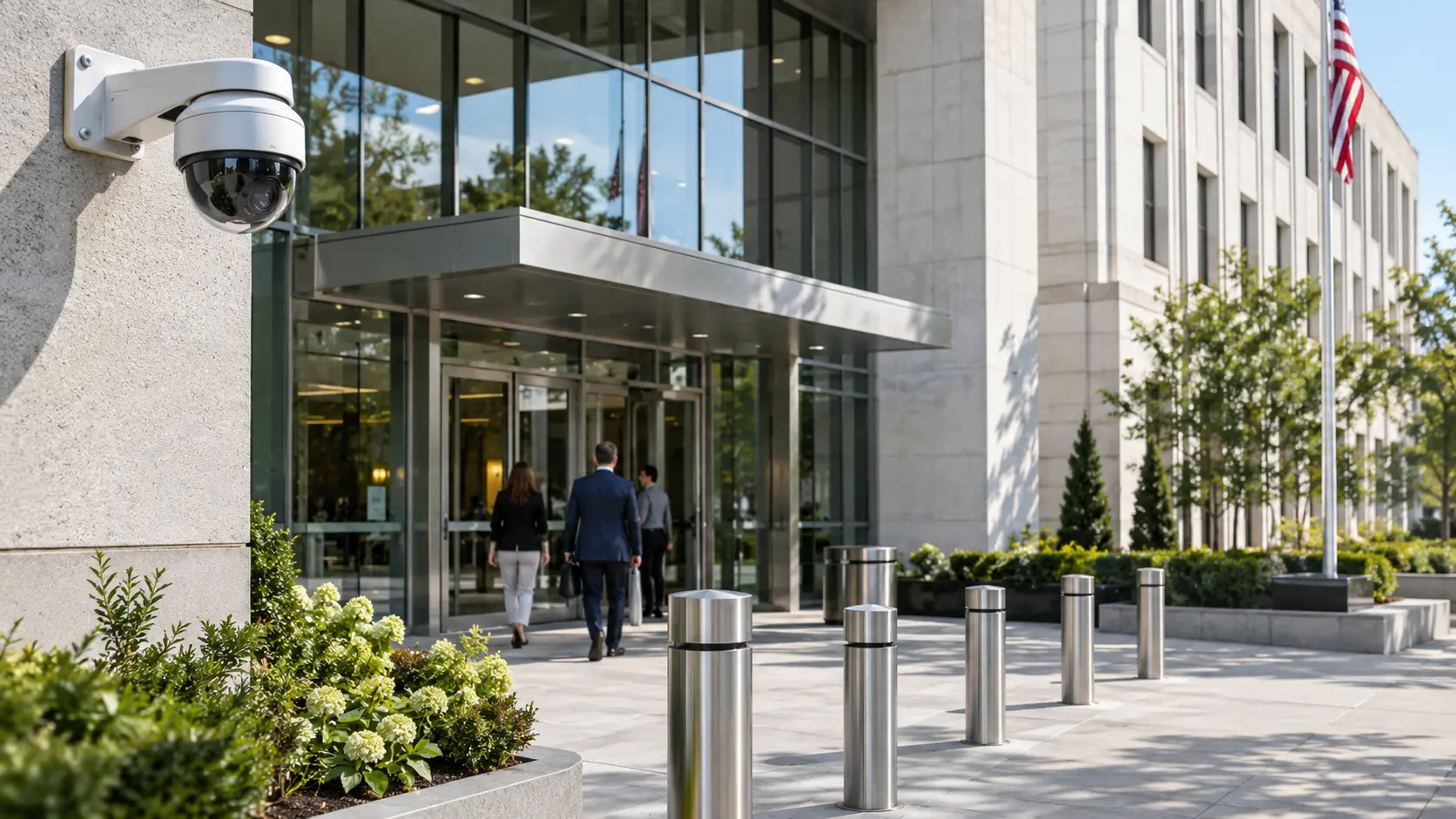
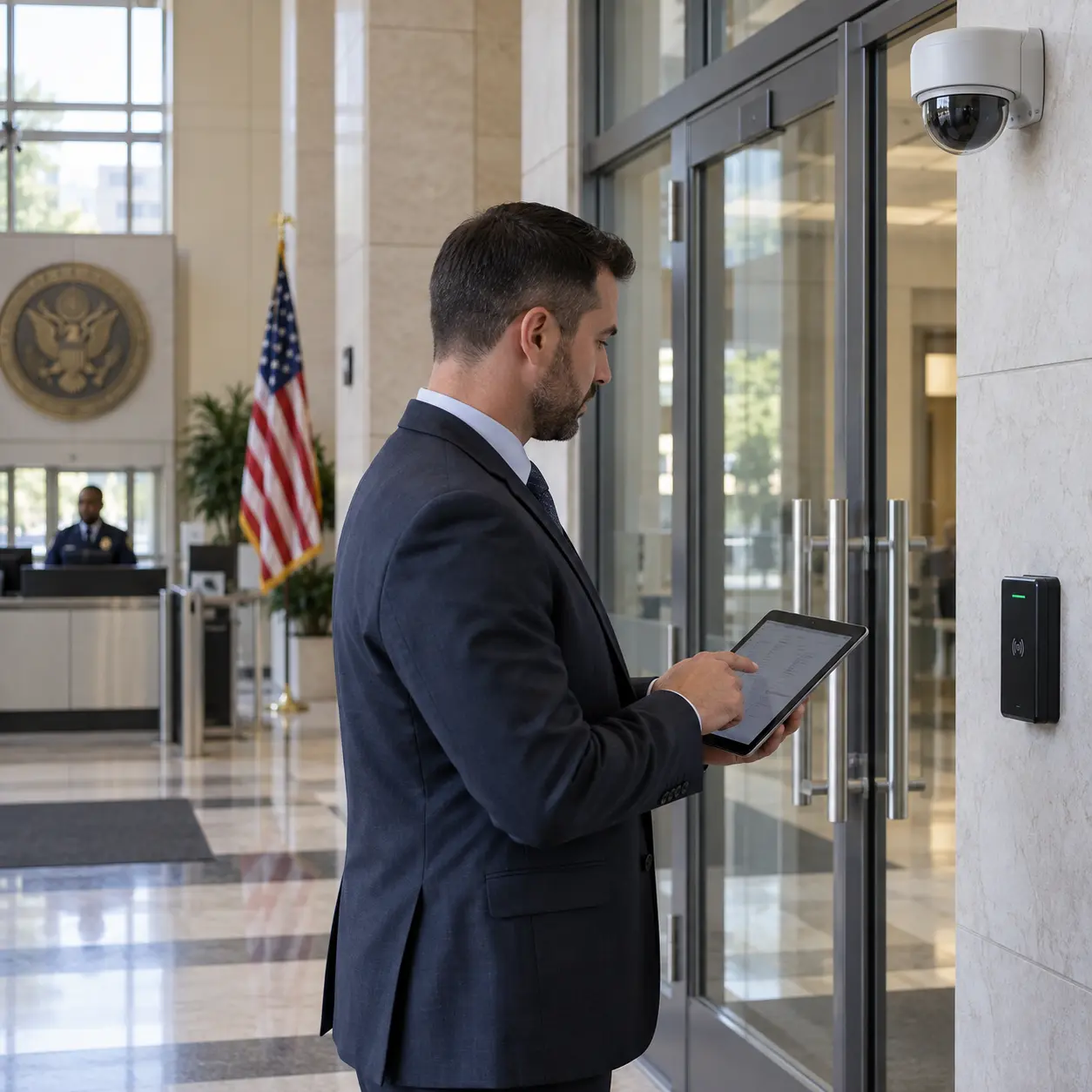
How to Choose the Right Security System for a Government Office
Choosing equipment without understanding the facility first is a common and expensive mistake. Here is a practical framework.
- ✓Start with a security assessment.
- ✓Identify security-critical areas.
- ✓Match cameras to conditions.
- ✓Choose the right access method.
- ✓Evaluate existing infrastructure.
- ✓Plan for integration.
- ✓Plan for future expansion.
- ✓Choose an experienced commercial installer.
Government Security System Installation Process in Dallas
A professional installation follows a structured process:
| Step | What Happens |
|---|---|
| 1. Initial Consultation | Facility manager describes the building, current security, and goals |
| 2. Site Assessment | Installer evaluates entry points, layout, existing infrastructure, and risks |
| 3. Risk & Coverage Analysis | Security risks and coverage gaps are identified and prioritized |
| 4. System Design | Camera locations, access points, alarm zones, and integration are planned |
| 5. Equipment Selection | Hardware is matched to each area’s specific requirements |
| 6. Professional Installation | Licensed technicians install cameras, readers, sensors, and cabling |
| 7. Integration & Configuration | Systems are connected, permissions set, alerts configured |
| 8. Testing | Every camera, door, alarm, and alert is tested before handover |
| 9. Staff Training | Authorized staff learn to operate the system and respond to events |
| 10. Maintenance & Support | Ongoing firmware updates, adjustments, and system expansion |
Security Camera and Access Control Brands We Install
Security in DFW installs commercial-grade products from manufacturers with proven track records in government and commercial applications.
Avigilon Security Solutions
Avigilon, a Motorola Solutions company, provides video surveillance cameras, video management software, access control platforms, and video analytics used across government and commercial facilities. Learn more about Avigilon government security solutions [External Link → https://www.avigilon.com/].
Hikvision Security Systems
Hikvision manufactures a broad range of security cameras, NVRs, and access control hardware for commercial and institutional installations. Explore Hikvision security systems for government facilities [External Link → https://www.hikvision.com/en/].
VIVOTEK Video Surveillance
VIVOTEK produces IP-based surveillance cameras and video management solutions for commercial and institutional use. See VIVOTEK video surveillance solutions [External Link → https://www.vivotek.com/].
Why Choose Security in DFW for Government Security Systems in Dallas
Security in DFW is a Texas-licensed commercial security company (TX License #B19875) with over 15 years of experience in the Dallas-Fort Worth metro.
- ✓Serve 40+ DFW cities including Dallas, Fort Worth, Plano, Frisco, and McKinney
- ✓Design integrated systems combining cameras, access control, and alarms
- ✓Conduct professional site assessments before recommending equipment
- ✓Install commercial-grade products from Avigilon, Hikvision, VIVOTEK, and others
- ✓Provide staff training, ongoing maintenance, and system expansion support
- ✓1,200+ commercial facilities secured across DFW We do not quote a price before seeing the facility. Every government office has different requirements, and the system should reflect that.
Frequently Asked Questions About Government Security Systems
Government offices typically use CCTV video surveillance, electronic access control, intrusion detection alarms, and visitor management systems working together to control access, monitor activity, and provide evidence for incident investigation.
It depends on the location. Dome cameras work well indoors. Bullet cameras handle outdoor perimeters. PTZ cameras cover large open areas. A site assessment matches camera types to each location’s requirements.
Access control replaces physical keys with electronic credentials that log every entry attempt. Permissions can be set by role or schedule, and temporary credentials for visitors expire automatically.
Yes. When integrated, access events are logged alongside video footage, allowing facility managers to verify access visually and investigate incidents with correlated data.
Camera count depends on building size, layout, entry points, and security priorities. A small administrative office may need 8 to 16 cameras. A larger complex with multiple buildings and parking areas may require 40 or more.
Priority locations include main entrances and exits, reception and public areas, hallways connecting public and restricted zones, parking lots, loading docks, and sensitive rooms like server closets and records storage. A professional site assessment identifies additional locations specific to the facility.
Most systems benefit from at least annual maintenance — checking camera alignment, verifying recording quality, testing access hardware, updating firmware, and replacing failing components.
In most cases, yes. Older analog cameras can be replaced with IP cameras, often using existing cabling. Legacy access control hardware can be upgraded to modern credential systems.
Look for a Texas-licensed installer with commercial experience, integrated system design capability, professional site assessments, staff training, and post-installation support. Verify the DPS license number.
Yes. Security in DFW (License #B19875) designs and installs integrated security systems for government offices, municipal buildings, and public-sector facilities in Dallas and across DFW. Call (469) 225-3031 for a free assessment.
Get Government Security Systems & CCTV Installation in Dallas
If you manage a government office or municipal facility in Dallas and need a security system designed for your specific requirements, Security in DFW can help.
- ✓Call (469) 225-3031 or submit a consultation request at securityindfw.com/contact
- ✓We schedule a free on-site security assessment at your facility
- ✓Our team evaluates risks and documents security requirements
- ✓You receive a detailed, itemized proposal with no hidden costs We install CCTV camera systems, access control, intrusion alarms, and integrated security platforms for government facilities throughout Dallas-Fort Worth. Request your free government facility security assessment today. Call (469) 225-3031 or visit securityindfw.com/contact.